You can store lots of data on your computer when you need a particular data your computer has to search its memory to look for the data and make it available for you. This searching process performs by the computer as per the algorithm set in the operating system. To search an element in the computer, there have two popular algorithms available. Those are -
- Binary Search
- Linear Search
Let’s find out a quick view of both searching process, then we will discuss their differences. So let’s start -
Binary Search
Binary search is also called half-interval search or binary chop. It's a search algorithm that finds the position of a target value by repeatedly dividing the search interval in half. And the whole array begins with an interval covering. It compares the target value to the middle element of the array. If they are an unequal half array to be searched then it is eliminated and the search continues on the remaining half until it is successful. It runs in at worst logarithmic time, making O(log n) comparisons. The binary search tree and B-tree data structures are based on binary search.
Logic
int binary_search(int A[], int key, int imin, int imax) {


 /* test if array is empty */

 if (imax < imin)


   /* set is empty, so return value showing not found */

   return KEY_NOT_FOUND;

 else {


     /* calculate midpoint to cut set in half */

     int imid = midpoint(imin, imax);


     /* three-way comparison */

     if (A[imid] > key)


       /* key is in lower subset */

       return binary_search(A, key, imin, imid-1);

     else if (A[imid] < key)


       /* key is in upper subset */

       return binary_search(A, key, imid+1, imax);

     else


       /* key has been found */

       return imid;

   }

}
Linear Search
linear search is used for finding a target value within a list. It's also called sequential search that because It sequentially checks each element of the list for the target value until a match is found or until all the elements have been searched. Linear search also runs in at worst linear time and makes O(n) comparisons.
Logic
# Input: Array D, integer key

# Output: first index of key in D,

# or -1 if not found


For i = 0 to last index of D:

    if D[i] equals key:

        return i

return -1
Let’s find out the differences between Linear search and Binary search
-
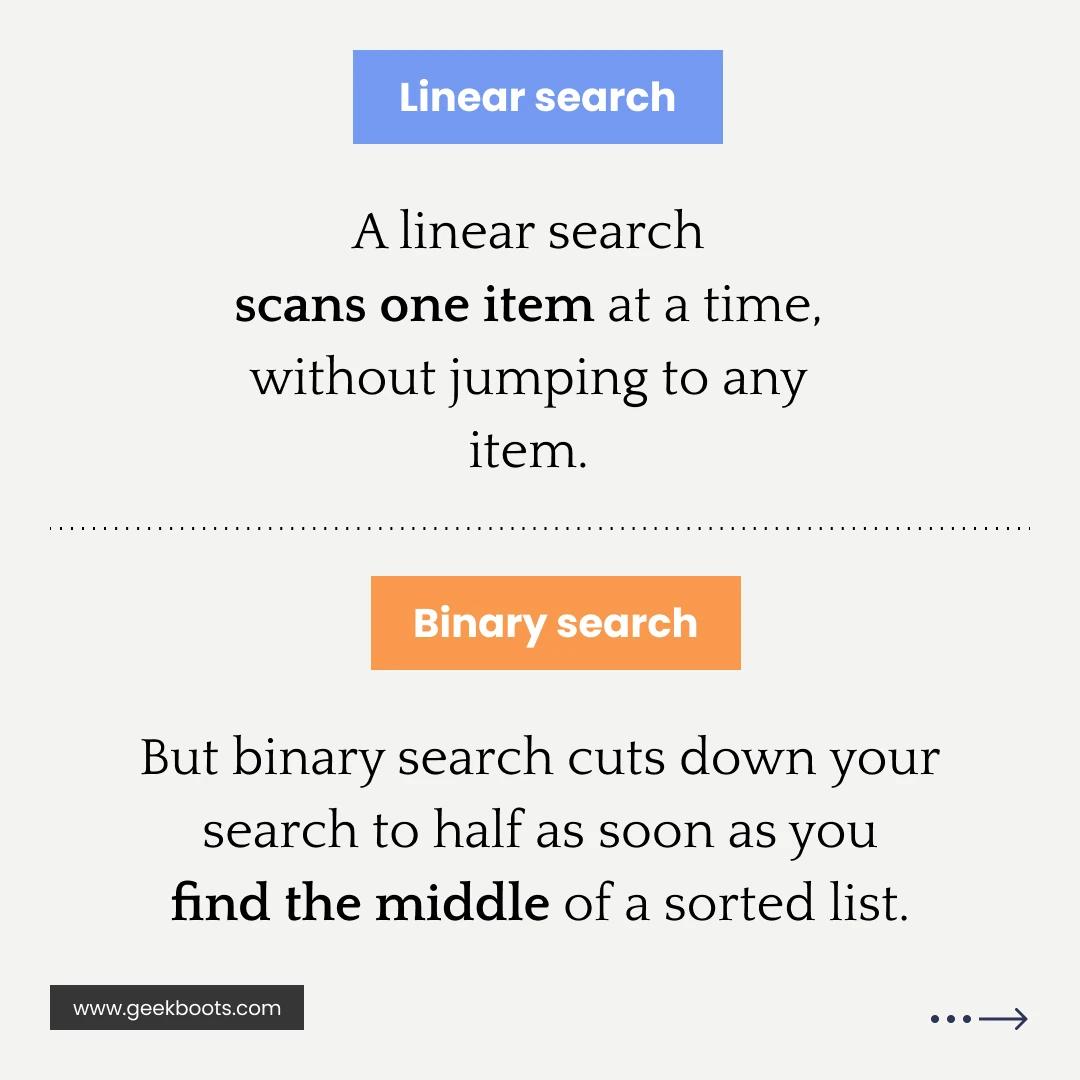
A linear search scans one item at a time, without jumping to any item. In contrast, binary search cuts down your search to half as soon as you find the middle of a sorted list.
-
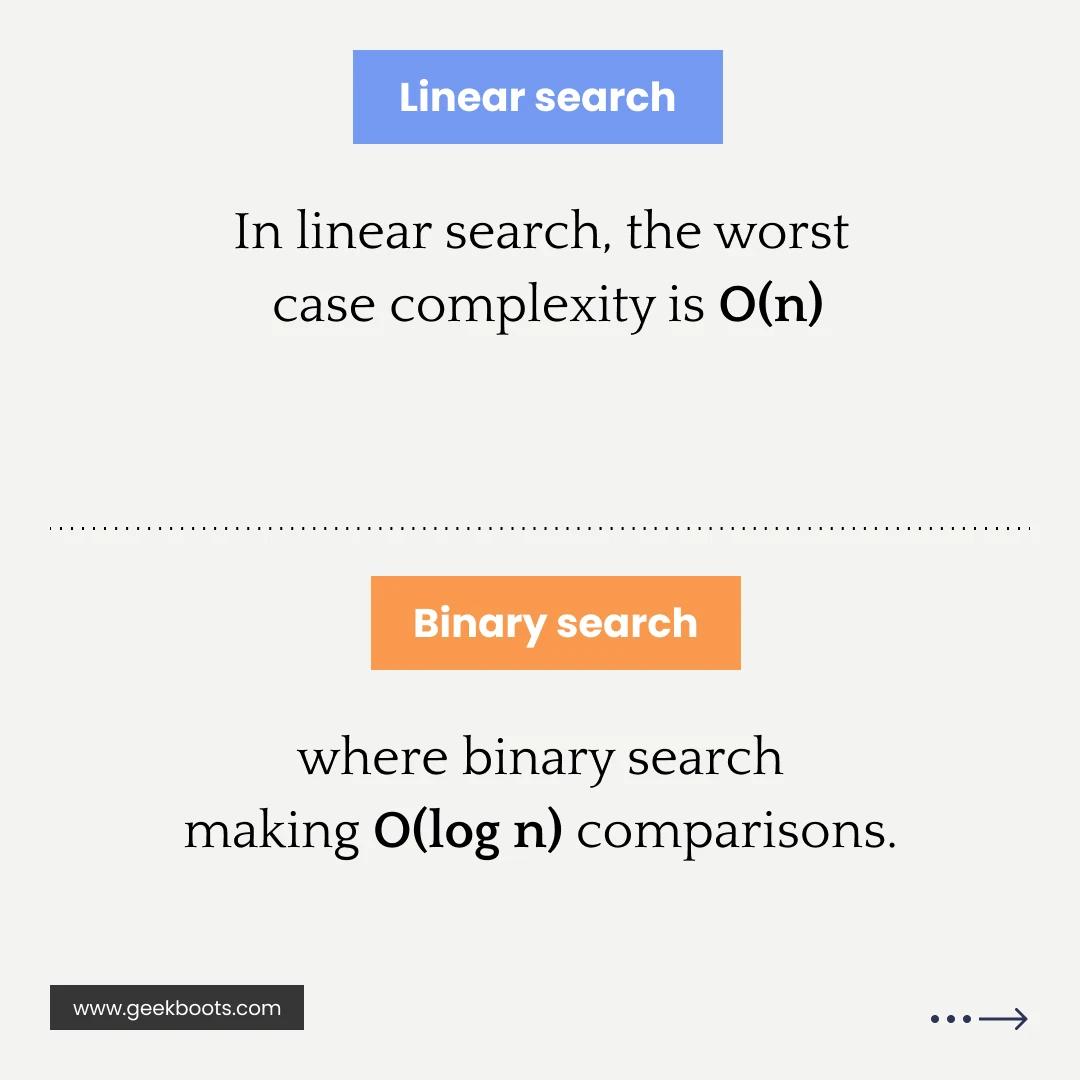
In linear search, the worst case complexity is O(n), where binary search making O(log n) comparisons.
-
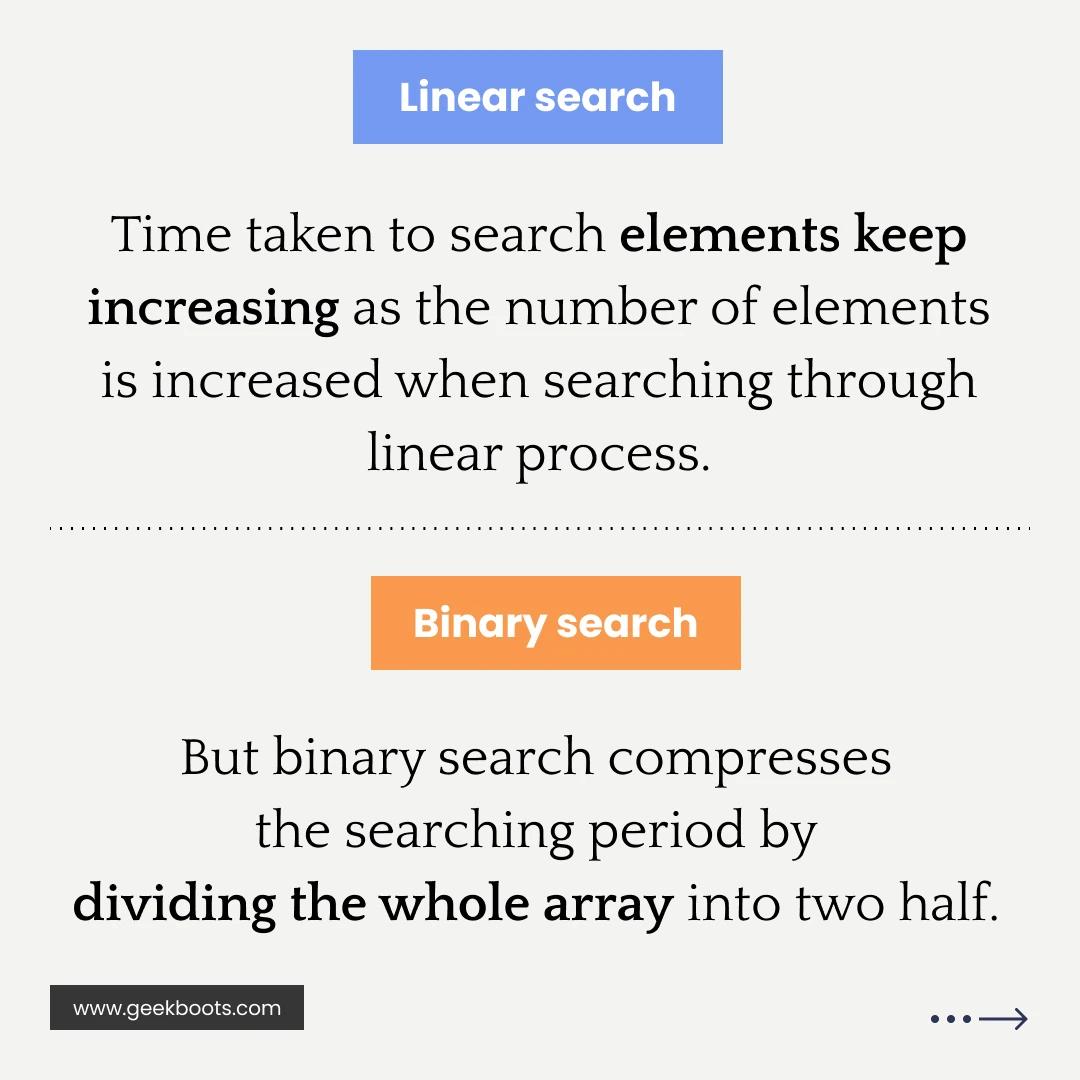
Time taken to search elements keep increasing as the number of elements is increased when searching through linear process. But binary search compresses the searching period by dividing the whole array into two half.
-
Linear search does the sequential access whereas Binary search access data randomly.
-
Input data needs to be sorted in Binary Search and not in Linear Search.
-
In linear search, performance is done by equality comparisons. In binary search, performance is done by ordering comparisons.
-
Binary search is better and quite faster than linear search.
-
Linear search uses sequential approach. But, binary search implements divide and conquer approach.
-
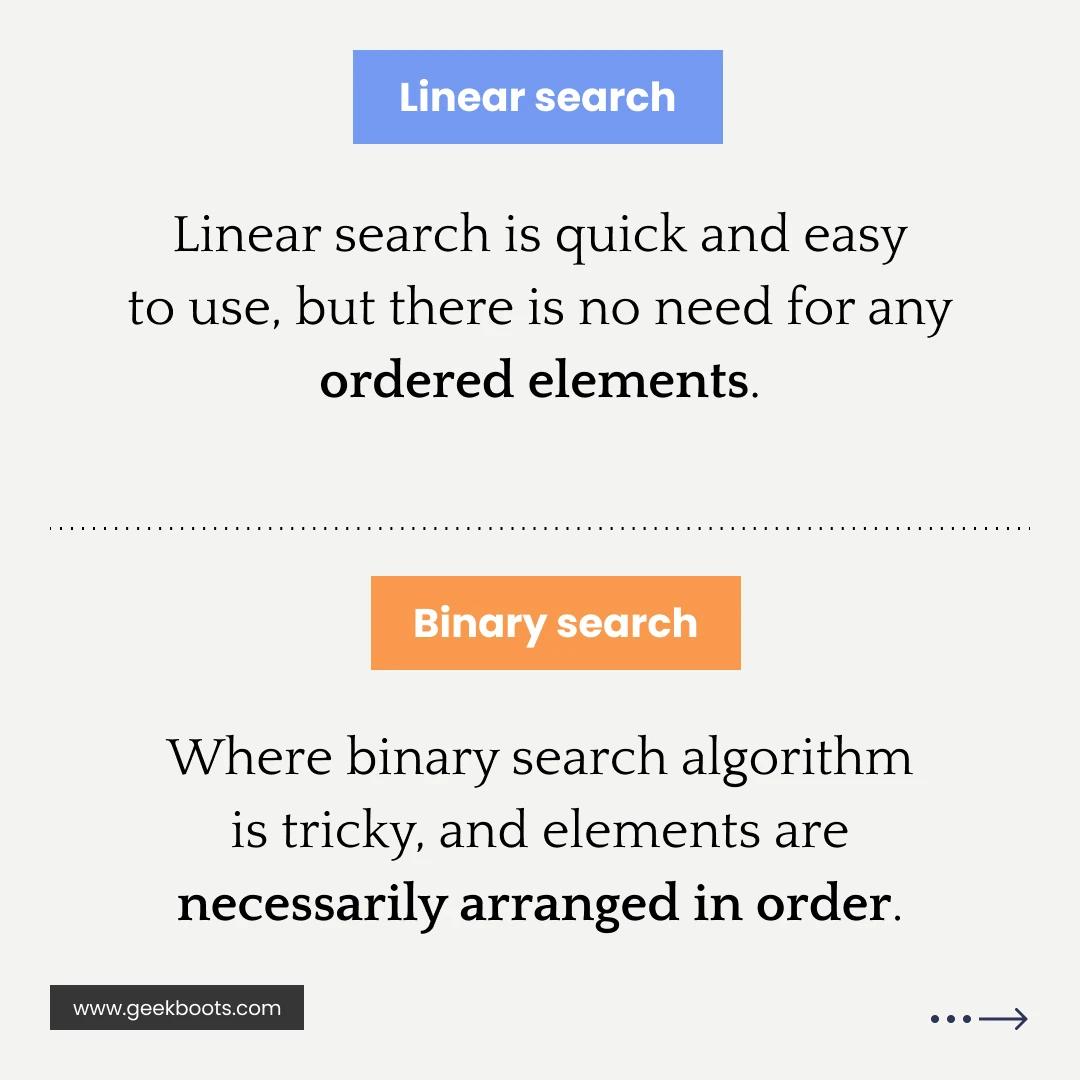
Linear search is quick and easy to use, but there is no need for any ordered elements. Where binary search algorithm is tricky, and elements are necessarily arranged in order.
-
The best case time in linear search is for the first element that is O(1). And the other side O(1) is the middle element in binary search.
-
Linear search can be implemented in an array as well as in linked list, but binary search can't be implemented directly on linked list.
-
Binary search is efficient for the larger array. If the amount of data is small, then linear search is preferable because this searching process is fast when data is small.
Conclusion
Both linear and binary search algorithms can be useful but depending on the application. As mentioned in above that the proposed counting linear search is noticeably faster for small array lengths than linear search with a break. So it makes sense that always use counting version of linear search instead of the breaking one. Since for larger array lengths, binary search becomes faster anyway. If an array is the data structure and elements are organized in sorted order, then binary search is preferred for fast searching. So, That is only depending on you and your need which is based on the situation that which one is preferable to complete the task with time compression. Choose as their performance based. Thank you!