Google Assistant - latest version of Google Now virtual assistant

Google Assistant - latest version of Google Now virtual assistant

October 5, 2016
2 min read
465 views
0
Google Assistant - latest version of Google Now virtual assistant

Google Assistant is Google's latest version of a virtual assistant. It's considered an upgrade or an extension of Google Now. During the main keynote at Google I/O 2016, Google's CEO, Sundar Pichai, demoed Google Assistant and said he wanted people to experience "an ongoing two-way dialog with the virtual assistant.

The thing to remember about Google Assistant is that it is conversational. That means you can ask a question and then ask several follow-up questions, and Google Assistant will be able to keep track of the conversation, determine context, and audibly respond with the right information.

Users can search with conversational phrases, and Assistant will serve up responses. When you talk directly with Assistant, you'll notice more features activate, such as the ability to see your own work emails or pull up your calendar agenda.

Using artificial intelligence and machine learning, Google Assistant can determine context with your questions. For instance, when you ask "What's playing tonight?", Google Assistant can show films at your local cinema. If you then follow up with "We're planning on bringing the kids", Google Assistant will know to serve up showtimes for kid-friendly films. You can even say "Let's see Jungle Book" to purchase tickets.

Google Assistant, the search giant's new personal digital assistant, is barely available to users, but Google isn't wasting any time opening it up to developers. During the company's hardware event on Tuesday, Google announced two new developer programs to build Google Assistant into pretty much anything you can think of.

The first new program is called Actions on Google, which will launch in early December and allow app makers to build Google Assistant into their services. The Embedded Google Assistant SDK, meanwhile, is coming in 2017 and can put Google Assistant in third-party hardware.

Was this article helpful?Vote to let the author know
0
Share this article

Loading comments...

Related Articles

A Practical Guide To Building A Smooth Live Streaming Setup In Rockhampton, Queensland

A Practical Guide To Building A Smooth Live Streaming Setup In Rockhampton, Queensland

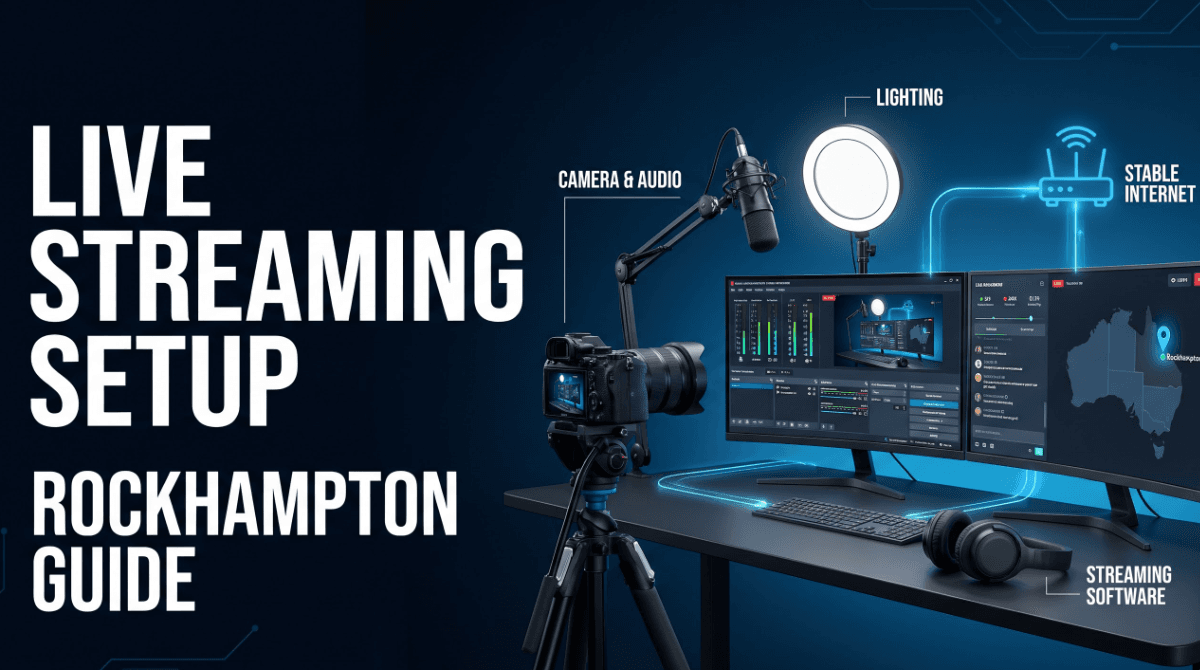
Rockhampton creators may work from a home office, a gaming room, a club space, or a temporary event location, so a setup should be easy to operate in the environment where it will actually be used. The best starting point is a stable, repeatable workflow that produces understandable audio, clear video, and dependable connection quality.

6 views
Read More
Read full article: A Practical Guide To Building A Smooth Live Streaming Setup In Rockhampton, Queensland
The Data Behind Planning a More Efficient Cross-Country Move

The Data Behind Planning a More Efficient Cross-Country Move

Digital tools and simple calculations can help you organize a long-distance move more efficiently. Rather than relying on rough estimates, you can use data to compare options, identify potential savings, and develop a realistic moving schedule.

5 views
Read More
Read full article: The Data Behind Planning a More Efficient Cross-Country Move
PST File Converter for IT Infrastructure Professionals Handling Cross-Platform Email Migration

PST File Converter for IT Infrastructure Professionals Handling Cross-Platform Email Migration

Discover how a PST File Converter helps IT administrators, system administrators, and enterprise professionals convert PST and OST files into multiple formats, including PDF, EML, MBOX, MSG, CSV, and JSON. Explore bulk conversion, cloud migration, duplicate email removal, date filtering, and folder hierarchy preservation with the SysInfo PST Converter Tool for efficient Outlook data management.

3 views
Read More
Read full article: PST File Converter for IT Infrastructure Professionals Handling Cross-Platform Email Migration