Saving important emails outside an email application can be useful for many reasons. You may want to keep a copy of a customer conversation, organize project-related messages, or store important communication for future reference. However, the format you choose can affect how easily you access and manage those saved emails.
MSG and EML are two commonly encountered email file formats. Both allow users to store individual email messages, but they differ in how they are structured and the applications that commonly use them.
If you are deciding between these formats, understanding their differences can help you choose a suitable option for your email management needs.
What Is an MSG File?
MSG is an email message format commonly associated with Microsoft Outlook. It stores an individual email along with its message information, such as the sender, recipient, subject, date, body, and other available message properties.
Depending on the message, an MSG file may also contain attachments and additional email-related information.
Users often encounter MSG files when saving individual messages from Outlook. They can be useful for keeping particular conversations separate from the main mailbox, especially when a message needs to be stored or shared independently.
However, MSG files are closely associated with the Microsoft Outlook environment. This means users may need compatible software to open and work with them comfortably.
What Is an EML File?
EML is a file format used to store individual email messages. It follows a text-based structure based on standard internet email message conventions and is supported by several email applications.
An EML file can contain message headers, sender and recipient details, subject, message body, and attachment data.
Because EML is supported by multiple email clients, it can be a convenient choice when users need to move individual email messages between compatible applications.
It is also useful for keeping email messages as separate files rather than relying entirely on access to a particular mailbox.
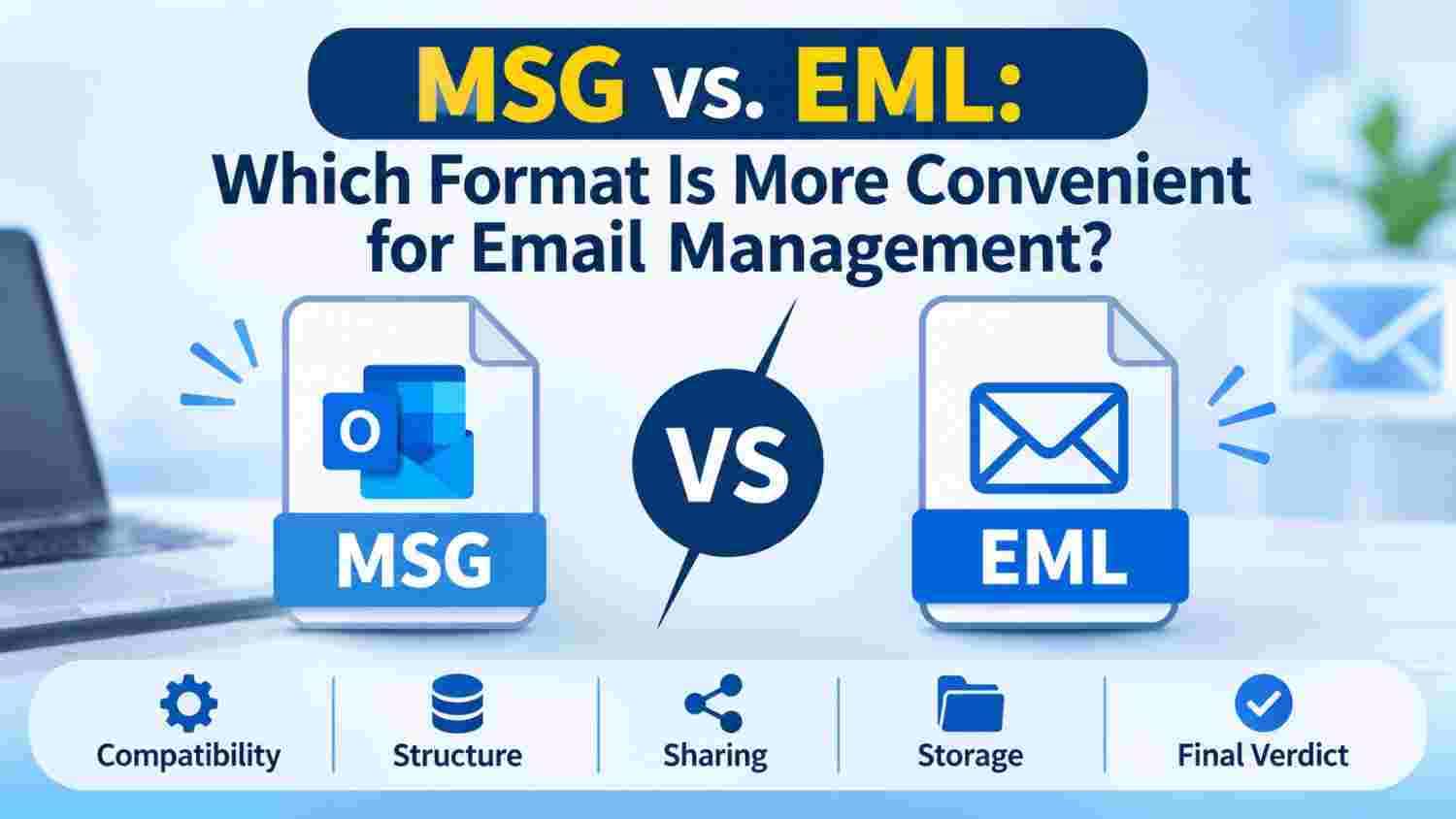
MSG vs. EML: Understanding the Main Differences
Although both formats store individual email messages, their structure and compatibility make them suitable for different situations.
1. Application Compatibility
MSG files are primarily associated with Microsoft Outlook. Users who regularly work with Outlook may find this format convenient for saving and accessing individual messages.
EML files, on the other hand, are supported by various email applications. This makes them useful when messages need to be accessed across different compatible email environments.
Which is more convenient? EML may be more suitable when cross-application compatibility is a priority, while MSG is a natural choice for Outlook-oriented workflows.
2. File Structure
MSG uses a structured format based on Microsoft's Compound File Binary Format. It can store email content and associated message properties in a structured way.
EML generally follows an internet email message structure that includes headers and message content. Its text-based organization makes it relatively straightforward to inspect with suitable text editors, although attachments and some message content may use encoded data.
Which is more convenient? The choice depends on the application you use and the type of email information you need to manage.
3. Email Sharing
Both MSG and EML can be used to share individual email messages as attachments.
However, the recipient's ability to open them depends on the software available on their computer. An Outlook user may find MSG convenient, while someone using another email application may prefer EML if their application supports it.
Before sharing, consider the recipient's software rather than assuming that both formats will open everywhere.
4. Storage and Organization
Both formats can help users maintain separate copies of important messages.
For example, a business may save customer communication as individual files for project reference. Similarly, an individual may keep travel confirmations, invoices, or important personal correspondence in a separate folder.
The better option depends on the existing email environment and the applications that will be used to access the saved messages later.
5. Email Migration
Email migration can involve moving messages from one application or storage environment to another.
EML may be convenient when the destination application supports importing EML messages. MSG may be more appropriate when the workflow involves Outlook-compatible software.
Before choosing either format, check the import options of the destination application. Also, remember that converting individual message files is different from migrating an entire mailbox, which may involve folders, account settings, and other data.
When Should You Choose MSG Format?
MSG can be a suitable choice in situations such as:
You regularly use Microsoft Outlook.
You need to save individual Outlook messages separately.
Your workflow depends on software that supports MSG files.
You want to retain email messages in a format commonly associated with Outlook.
You exchange saved messages with people who use compatible applications.
For Outlook-focused users, MSG can provide a convenient way to manage individual email records.
When Should You Choose EML Format?
EML may be a better option when:
You use an email application that supports EML.
You need to move individual messages between compatible email clients.
You want to inspect basic message headers and content using suitable tools.
You share saved messages with users working in different email environments.
You want a format based on widely used internet email message conventions.
Its broader support across email applications makes EML worth considering for users who do not want to depend entirely on an Outlook-based workflow.
Can You Convert MSG Files to EML?
Yes, MSG files can be converted to EML when you need to use the messages in an application that supports EML but does not work directly with MSG files.
The appropriate conversion method depends on the number of messages, the software available, and the requirements of the destination application.
For users who need to handle this type of conversion, PCDOTS MSG Converter can be considered for converting MSG files into supported email formats.
Before converting a large collection, test a few sample messages. Check the sender and recipient information, subject, message body, dates, and attachments where applicable. Keeping the original MSG files until the results have been verified is also a sensible precaution.
What Should You Consider Before Choosing an Email Format?
Instead of selecting a format based only on popularity, consider how you plan to use your saved messages.
Ask yourself these questions:
Which application will open the files? Confirm that your email client or viewer supports the selected format.
Will you need to migrate messages later? Check whether your future application supports importing the format.
Are attachments important? Test whether they remain accessible after saving or conversion.
Do you need to share individual messages? Consider the recipient's software compatibility.
How will you organize the files? Use clear folder names and meaningful filenames to make retrieval easier.
These considerations can help prevent compatibility problems and make long-term email management more convenient.
Final Verdict: MSG or EML?
There is no single winner between MSG and EML because both formats serve useful purposes.
MSG is a practical option for users working primarily with Microsoft Outlook and compatible applications. EML is worth considering when broader email-client compatibility and message portability are more important.
The right choice depends on where your emails are stored, which applications you use, and how you plan to access those messages in the future.
Before making a decision, check the destination application's compatibility and test a sample message. This simple step can help you avoid unnecessary conversion work and keep important email records accessible.