Introduction
Mac Outlook stores emails, contacts, notes, tasks, and calendar entries in OLM files. Users may need to move calendar information to another application. To Convert OLM to ICS, users need a method that extracts calendar data into the ICS format. The SysInfo OLM Converter is a practical option because it supports OLM export to multiple formats, including ICS, and can process mailbox data without requiring Mac Outlook to be installed. Its preview, selective conversion, and folder-handling features also help users manage the export process.
What Is an ICS File?
ICS is a calendar format for storing and exchanging event information. It helps users move or share schedules with applications that support ICS. An OLM file can contain several Outlook for Mac mailbox items, so exporting calendar data separately keeps the task focused on appointments.
Why Export OLM Calendar Data?
Users may export calendar entries when changing applications, moving from a Mac environment, or keeping a separate copy of important schedules. Organizations may also need calendar information outside the original Outlook for Mac setup.
Before starting, identify the OLM file, select the required calendar information, and choose a destination folder. Keep an unchanged copy of the source until the export has been checked.
Why Use an OLM to ICS Converter?
A dedicated OLM to ICS Converter can simplify the process of extracting calendar information from an OLM file. A utility provides a guided workflow for adding the source file, reviewing its contents, and selecting an output format.
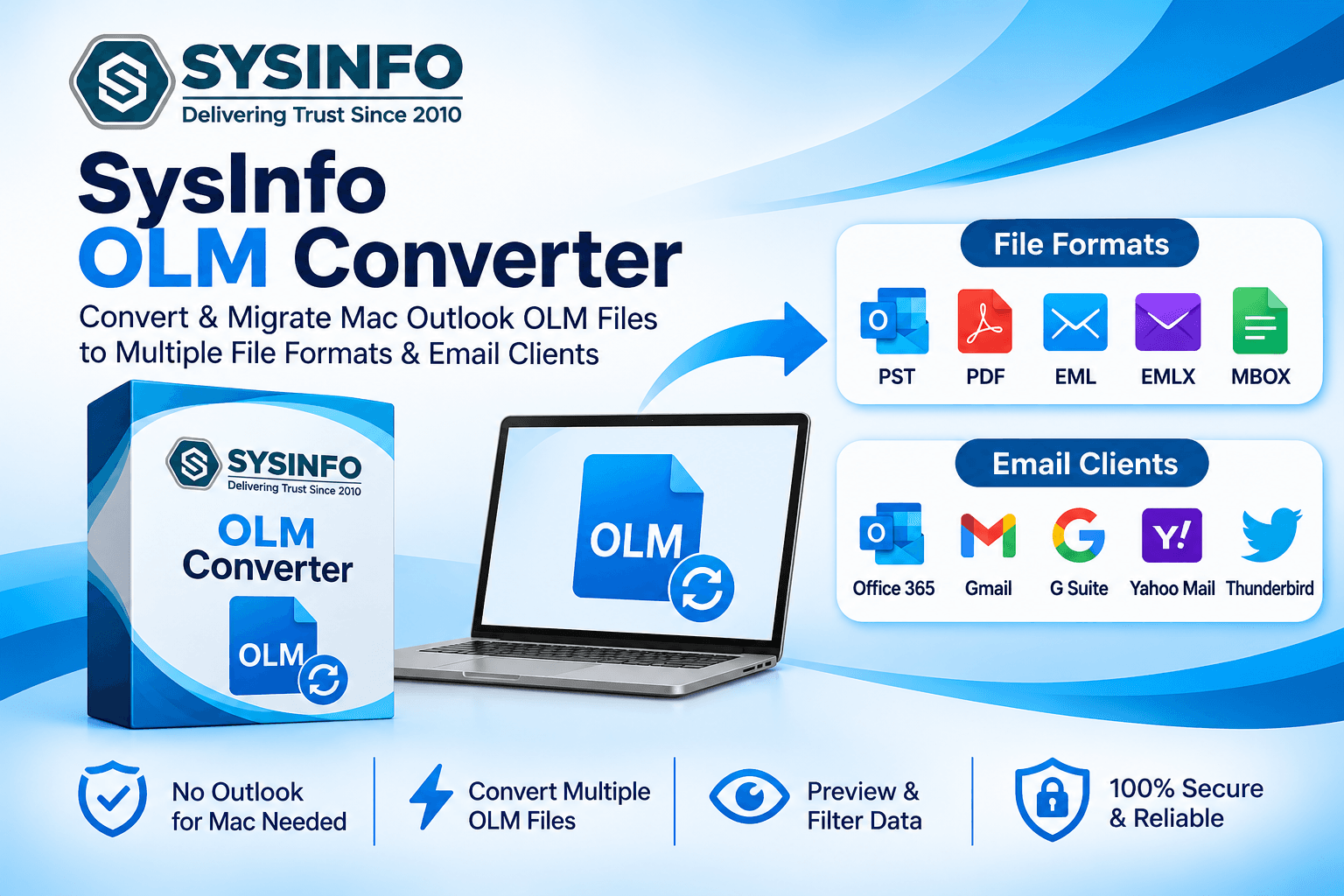
The SysInfo OLM Converter supports exporting OLM data to ICS as well as PST, MBOX, EML, EMLX, MSG, PDF, CSV, HTML, and other listed formats. It can add a single OLM file or multiple files through the Select Files or Select Folder options. Users can preview mailbox items before conversion, and the software does not require Mac Outlook installation for viewing and converting OLM data.
How to Convert OLM File to ICS
Use the Convert OLM File to ICS workflow to save calendar entries in a format supported by compatible calendar applications.
Follow these general steps to export calendar data:
Install and launch the OLM Converter on a supported computer.
Select Continue, then choose Select Files or Select Folder to add the required OLM file.
Browse the mailbox tree and select the calendar item or data required for export.
Preview the available mailbox information and confirm the selected items.
Choose ICS as the saving format from the available output options.
Select a destination path and apply any relevant options shown by the software.
Start the conversion and wait for the process to finish.
Open the destination folder and check the resulting ICS file in a compatible calendar application.
Options may vary by edition and version. Retain the source until you verify the exported calendar information.
Export OLM Calendar to ICS
The preview panel displays mailbox details such as subject, body, sender, recipient, and attachments. Preview is limited to 5,000 emails per folder, according to the product page.
Users can add single or multiple OLM files, choose a destination path, and use naming conventions or a custom folder name. The tool also offers duplicate-removal options for emails, contacts, and calendars using specified comparison criteria. Review selections carefully before conversion.
It supports OLM files from different Outlook for Mac versions and lists Windows, Mac, and Linux availability. Check system requirements before installation.
This approach can be useful when maintaining access to schedules during mailbox changes or platform transitions. Administrators should first confirm that they have permission to access and export the source mailbox. They should communicate the expected destination and check whether the receiving calendar service accepts ICS imports. If several OLM files are involved, process them in an organized sequence and record which source files have been completed. This helps teams carefully review the migration and identify missing important calendar data.
Tips for a Reliable ICS Export
Work from a copy of the OLM file and ensure the destination has enough space. Avoid interruptions during bulk processing. Select the required calendar data, then open the ICS output in a compatible calendar application and review event names and dates.
The demo version converts 50 emails per folder, according to the product comparison. Because this limit refers to emails, check current demo terms for calendar-export restrictions. Review license details before purchasing.
Conclusion
Exporting OLM calendar information helps keep schedules accessible when changing applications. SysInfo OLM Converter supports ICS and offers file selection, preview, and destination options. Preserve the original file and verify the result in a compatible calendar application. To Convert OLM to ICS, choose a method that meets your requirements and check the exported events before relying on the new calendar file.