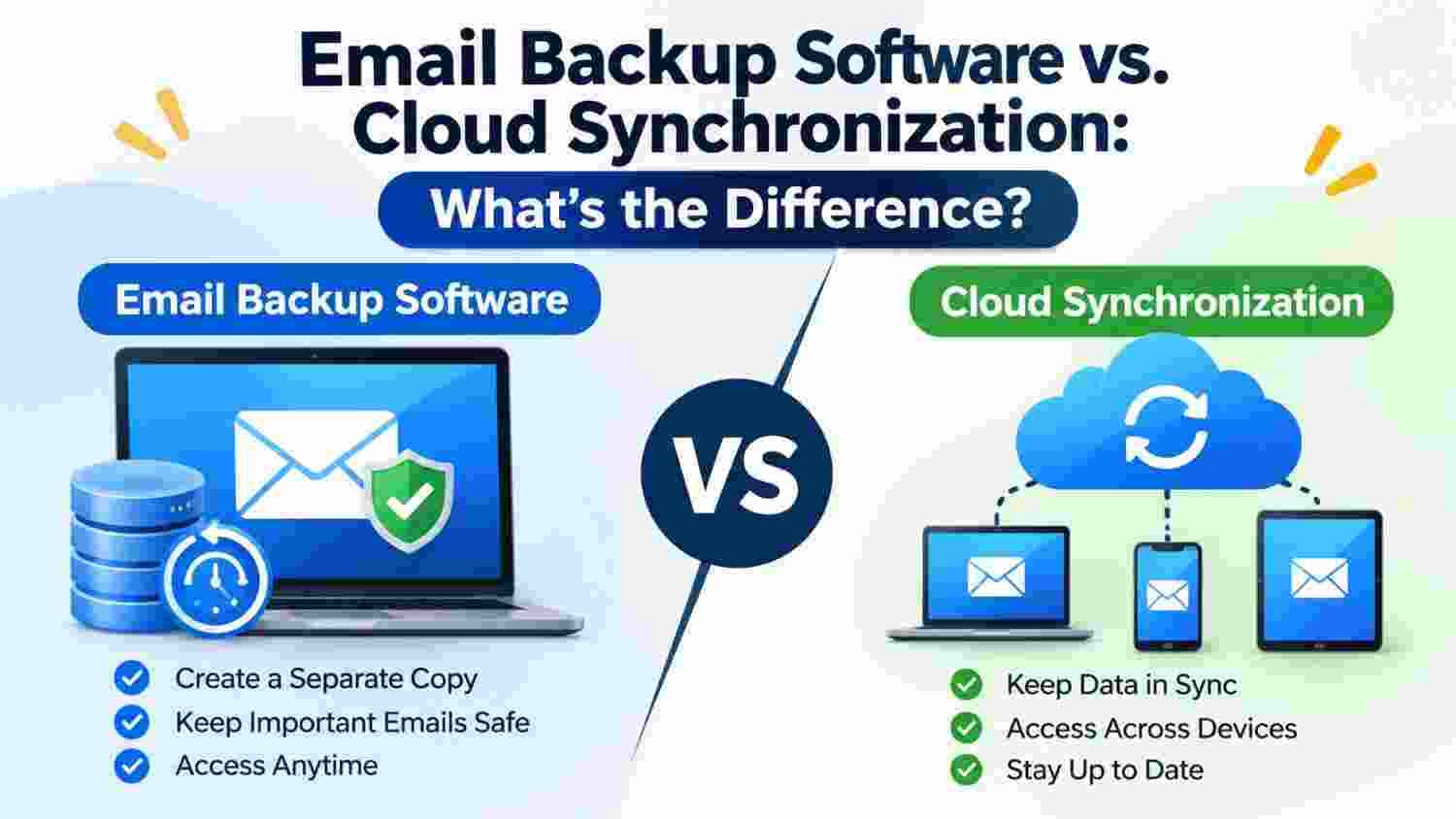
Many people assume that keeping their emails synchronized across devices means their email data is automatically backed up. After all, when an email appears on a laptop, phone, and tablet, it seems like there must be multiple copies available.
However, synchronization and backup serve different purposes. One keeps information consistent across connected devices, while the other focuses on maintaining a separate copy of data for future use.
Understanding this difference is important, especially when emails contain business discussions, payment records, personal conversations, or important attachments.
What Is Cloud Synchronization?
Cloud synchronization keeps email data updated across connected devices or applications. When you read, send, move, or delete a message, the changes are generally reflected across other connected devices.
For example, imagine you read an email on your office computer and later open your mailbox on your smartphone. The message will usually appear as already read. You do not need to download or organize the same email separately on each device.
This makes synchronization useful for people who regularly switch between computers, tablets, and smartphones.
However, synchronization is not the same as maintaining an independent backup. If you delete a message and that deletion synchronizes across your devices, the message may disappear from all connected locations.
What Is Email Backup Software?
Email backup software helps users create separate copies of their mailbox data. These copies can be stored outside the primary email account so that important messages remain available for future reference.
Consider a freelancer who has several years of client conversations in an email account. If the account becomes inaccessible or some messages are accidentally deleted, having a separate backup can provide another copy of the saved correspondence.
Depending on the software and supported email sources, users may be able to save mailbox data in different formats for storage, archiving, or later access.
The main purpose is to preserve email information rather than simply keep devices synchronized.
Email Backup Software vs. Cloud Synchronization: Key Differences
Although both approaches help users manage email data, their functions are different.
1. Main Purpose
Cloud synchronization keeps email information consistent across connected devices. Email backup creates an additional copy that can be stored separately.
For example, checking an email on a phone and seeing the same read status on a laptop is synchronization. Saving a separate copy of that mailbox for future reference is backup.
2. Handling Deleted Emails
This is one of the most important differences.
When a user deletes an email from a synchronized mailbox, the deletion may also appear on other connected devices. Synchronization generally reflects changes rather than protecting earlier versions.
A separate backup can provide access to previously saved messages, provided they were included in the backup and the backup remains intact.
3. Storage and Accessibility
Synchronization usually relies on a connected email service or cloud account to make messages available across devices.
Backup data can be stored separately, depending on the selected method. This gives users another location from which to retrieve their saved email records.
However, access depends on the backup format, storage location, and compatible software.
4. Internet Dependency
Cloud synchronization generally needs an internet connection to exchange updates between the email service and connected devices.
Email backups can be accessed locally when the backup files are stored on a computer or external drive and the required application is available. Creating or updating those backups may still require an internet connection, depending on the backup method.
5. Protection Against Account Problems
If an email account becomes temporarily inaccessible, synchronized devices may not provide a complete solution, particularly when they depend on the same account.
A separately maintained backup offers another copy of previously saved messages. This can be useful during account changes, mailbox problems, or email platform migration.
When Is Cloud Synchronization More Useful?
Synchronization is particularly helpful when your daily routine involves using multiple devices.
It is a practical choice when:
You regularly check emails on both your computer and smartphone.
You want read, sent, and deleted message changes reflected across devices.
You frequently move between home and office.
You prefer accessing your mailbox through a connected online service.
You need convenient access to recent email activity.
For everyday communication, synchronization makes email access more seamless.
When Should You Use Email Backup Software?
Email backup becomes more important when preserving information is the priority.
You may want to create separate email backups in situations such as:
Before closing an old email account.
Before switching to another email provider.
Before reinstalling your operating system.
When preserving client conversations and business records.
When keeping copies of important attachments.
When maintaining long-term email archives.
For users who want a dedicated solution for preserving mailbox data, PCDOTS Email Backup Software is one option to consider when its supported email sources and backup requirements match their needs.
Can You Use Email Backup and Cloud Synchronization Together?
Yes. In fact, using both approaches can provide a more practical email management strategy.
Imagine a small business owner who checks customer emails throughout the day using a laptop and smartphone. Cloud synchronization keeps the mailbox updated across both devices. At the same time, regular backups preserve separate copies of important business correspondence.
If an email is accidentally removed from the synchronized mailbox, the backup may provide another way to access the previously saved information.
For better results, users should store backup copies separately from the primary mailbox and periodically verify that the saved data can be accessed.
A Few Common Mistakes to Avoid
Even when users understand the difference between backup and synchronization, some habits can reduce the usefulness of their data protection efforts.
Treating synchronization as a backup: Having the same mailbox on multiple devices does not necessarily mean you have independent copies.
Keeping backups in only one location: A computer failure could affect both regular files and locally stored backup data.
Ignoring backup schedules: An outdated backup may not include recent conversations.
Never checking backup files: Periodically verify that important messages and attachments are accessible.
Deleting original data too early: Confirm that the backup is complete before removing an old mailbox or account.
Final Thoughts
Cloud synchronization and email backup software solve two different problems. Synchronization makes everyday email access easier by keeping connected devices updated, while backup focuses on preserving separate copies of important messages.
Neither approach completely replaces the other. If you use email for personal communication, professional work, or business records, combining synchronization with regular backups can help you manage your mailbox more effectively.
The important thing is to understand what each method protects and choose an approach that fits the value and importance of your email data.