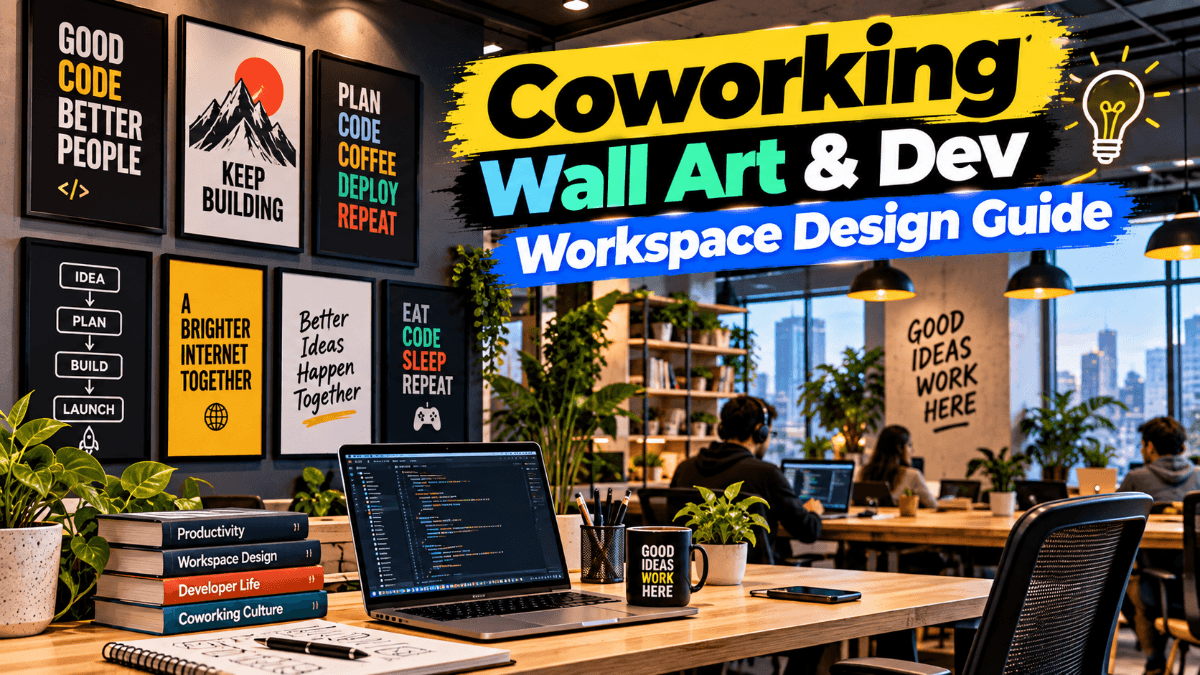
A developer workspace that genuinely supports deep work is not built by accident. Coworking wall art is the final layer of that environment — but only after the ergonomics, lighting, and gear are dialed in. This guide walks through every element in order, so you finish with a setup that performs as well as it looks.
Ergonomics and Monitor Setup: The Foundation of a Developer Workspace
No amount of wall decor compensates for a setup that destroys your neck and eyes by 3 PM. Get the physical foundation right first.
Monitor Height and Distance
The top of your monitor should sit at or just below eye level, with the screen roughly an arm's length away. This alignment prevents the chronic forward-head posture that plagues developers who spend eight-plus hours in front of a screen. The 20-20-20 rule — every 20 minutes, look at something 20 feet away for 20 seconds — remains the most effective micro-habit for reducing eye strain during long coding sessions.
Single vs. Dual Monitor Setups
A dual-monitor configuration suits developers who split their time between a code editor and a browser or documentation. A single ultrawide monitor often works better for those who prefer a unified focus zone and minimal neck rotation. Neither is universally superior — the right choice depends on your workflow, not convention.
Chair, Desk Depth, and Cable Management
Chair height should allow your feet to rest flat on the floor with your thighs parallel to the ground. Lumbar support is non-negotiable for sessions longer than two hours. Desk depth matters more than most developers realize — a shallow desk forces the monitor too close and leaves no room for a comfortable keyboard position. On cable management: routed and hidden cables reduce visual noise, which directly reduces low-level cognitive friction. A clear desk surface is a clearer mind.
Lighting and Ambience: Setting the Stage Before You Hang Anything
Lighting determines how your workspace feels at every hour of the day — and it dramatically affects how any wall art reads in the room.
Natural Light and Glare Control
Position your monitor perpendicular to windows, never directly facing or backing them. Side-on natural light is the ideal: it illuminates your space without creating glare on the screen or harsh contrast that forces your eyes to constantly re-adjust.
Bias Lighting Behind Your Screen
Bias lighting — a strip of diffused light placed behind your monitor — reduces the contrast between a bright screen and a dark wall. This measurably reduces eye fatigue during long coding sessions and creates a more visually comfortable environment overall. It also makes the wall behind your desk a focal point, which is exactly where well-chosen developer workspace decor pays off most.
Color Temperature and Mood
Cool white light (around 5000–6500K) supports alertness during focused work. Warmer tones (2700–3500K) suit late-evening wind-down. A programmable desk lamp that shifts between these temperatures is one of the most cost-effective productivity upgrades available. A visually calm environment — including what hangs on your walls — directly supports the sustained attention that deep work demands.
Choosing the Right Coworking Wall Art for a Developer Setup
Coworking wall art is the single most impactful visual element you can add to a developer workspace once the functional setup is complete. The right piece anchors the room, signals intentionality, and creates a visual resting point your eyes return to between coding sprints.
Minimalist and Typographic Prints
Clean typographic prints — particularly those using monospaced or sans-serif fonts — complement dark-mode aesthetics and uncluttered desk setups naturally. They add meaning without visual complexity. A well-chosen phrase or a single bold word in a neutral palette can define the entire tone of a home office without competing with your screens. For a curated starting point, inspiring prints for your coding space cover exactly this territory — minimal, focused, and designed with modern work environments in mind.
Abstract and Geometric Prints
Abstract and geometric home office wall art works exceptionally well in tech workspaces because shapes and muted palettes engage the eye without fragmenting attention. A geometric composition in charcoal, slate blue, or warm grey provides visual interest during mental breaks without pulling focus away from the work. These prints also age well — they don't feel dated the way trend-driven designs do.
Code-Themed and Tech-Inspired Prints
Programmer office prints that reference code syntax, terminal aesthetics, or circuit patterns add personality to a developer setup without tipping into novelty territory — provided the execution is clean and the palette is restrained. The line between a thoughtful tech-workspace print and a gimmicky poster is almost entirely a question of design quality and color discipline.
Size, Placement, and Framing: Getting the Most Out of Your Wall Art
Even the best desk setup wall decor underperforms when hung at the wrong size or in the wrong position.
Choosing the Right Print Size
For a standard home office wall behind a desk, a single print in the 40×50 cm to 50×70 cm range reads clearly without overwhelming a compact space. Larger walls — particularly in shared coworking setups — can support prints up to 70×100 cm as a statement piece. The viewing distance from your seated position should guide the choice: a print that's too small at your typical sightline simply disappears.
The Eye-Level Hanging Rule for Seated Work
Most developers hang wall art at standing eye level — which means it ends up too high when you're seated at your desk. The correct approach is to hang art so its center sits at your eye level while seated, typically around 120–130 cm from the floor depending on your chair height. This is the most commonly ignored placement rule in home office art prints, and fixing it immediately improves how the space feels.
Single Statement Piece vs. Gallery Wall
In a compact home office or studio, a single well-chosen piece almost always outperforms a gallery wall. Gallery walls require significant wall real estate to avoid feeling cluttered, and in a small space they create visual noise that competes with the screen. One strong print, well-sized and correctly hung, does more for focus than five smaller ones.
Frame Finishes for a Tech Workspace
Black metal frames are the default choice for a modern, dark-mode-aligned developer aesthetic — they're clean, versatile, and disappear into the composition. Natural wood frames add warmth and suit setups with warmer desk materials or lighter walls. Frameless prints mounted flush or with a float mount work well for a truly minimal look.
Color Palettes in Coworking Wall Art That Actually Boost Productivity
Color in a coding workspace art print is not purely aesthetic — it has a measurable effect on alertness, calm, and sustained attention.
The Psychology of Color for Developers
Blues and blue-greens are consistently associated with focus and calm in workspace environments, making them a reliable foundation for coworking wall art in tech settings. Neutral palettes — warm greys, off-whites, charcoals — support concentration without introducing emotional charge. Controlled contrast (a dark background with a light element) can provide the visual energy that keeps a space from feeling flat.
Matching or Contrasting Your Desk Setup Palette
Your monitor emits a dominant color temperature during use. Prints with a cool blue-grey palette tend to feel cohesive alongside a typical screen glow. Warm-toned prints can create an intentional contrast that makes the wall feel distinct from the digital environment — which some developers find mentally refreshing. Either approach works; the key is that it's a deliberate choice, not a default.
What to Avoid
Avoid prints with high-saturation reds, oranges, or busy patterns in a developer workspace. Overly bright or chaotic prints compete with your screen and fragment attention during the peripheral vision that's always active when you're working. Focus-boosting wall art is defined as much by what it doesn't do as by what it does.
Pulling It All Together: Your Developer Workspace Checklist
A complete developer workspace moves through layers: ergonomics first, then lighting, then the visual environment. Here's a quick-reference summary:
- Monitor at eye level, arm's length away, perpendicular to windows
- Chair and desk depth set for a neutral spine and comfortable reach
- Cables routed and hidden to keep the desk surface visually clear
- Bias lighting behind the screen to reduce contrast fatigue
- Color temperature matched to time of day and task type
- One well-chosen coworking wall art print, sized for your wall, hung at seated eye level
- Frame finish aligned with your desk materials and overall palette
- Color palette in the print chosen to support, not compete with, your screen
A single well-chosen piece of coworking wall art does something no piece of gear can: it signals to your brain that this space has been designed with intention. That signal matters. Environments we've invested thought in tend to produce better work — not for mystical reasons, but because they reduce the low-level friction that accumulates when a space feels unfinished or arbitrary.
Treat your wall as the last layer of your setup, not an afterthought. The ergonomics carry your body, the lighting carries your eyes, and the right tech workspace wall decor carries the part of your attention that needs somewhere to land between sprints. Get all three right, and the workspace stops being a place you sit in and becomes a place you think in.