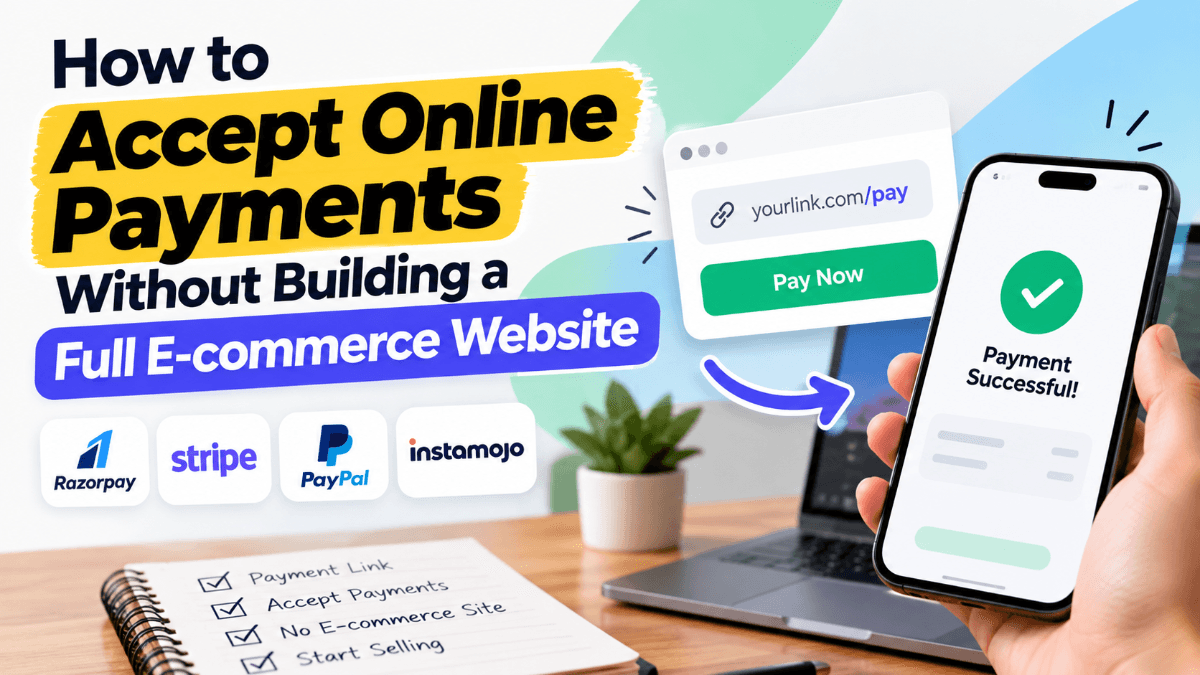
Running a business online doesn't always mean you need an e-commerce website. A freelancer sending invoices, a consultant accepting booking fees, or a small retailer selling through WhatsApp may only need a simple way to collect payments.
Traditionally, accepting online payments involved building a website, integrating a shopping cart, and setting up checkout. Today, businesses can accept online payments without a website using payment links, hosted payment pages, UPI QR codes, and other digital payment solutions.
These options reduce development effort while allowing customers to complete transactions securely.
Let's explore how they work and which method suits different business needs.
Can You Accept Online Payments Without a Website?
Yes. Businesses can collect online payments without developing an e-commerce website or mobile application.
Payment service providers offer solutions that let merchants generate payment requests and share them directly with customers.
For example, a graphic designer charging ₹5,000 for a project can generate a payment link and send it through email or WhatsApp. The customer opens the link, selects a supported payment method, and completes the transaction.
The process typically follows this flow:
Business creates payment request → Customer receives payment link → Customer completes checkout → Business verifies payment status
Businesses must still complete the payment provider's onboarding requirements and manage customer orders, refunds, and applicable compliance obligations.
5 Ways to Accept Online Payments Without an E-commerce Website
1. Payment Links
Payment links are one of the simplest ways to collect payments without building a website.
A payment link is a shareable URL that directs customers to a secure, provider-hosted checkout page.
Businesses can create a link for a specific amount and share it through WhatsApp, SMS, email, or social media.
How payment links work:
Register with a payment provider.
Enter the payment amount and transaction details.
Generate a payment link.
Share the link with the customer.
Verify payment completion through the provider.
For example, a consultant collecting ₹2,000 for a session can send a payment link instead of maintaining an online booking checkout.
Solutions such as EnKash Payment Links allow businesses to generate and share payment links, accept supported payment methods such as UPI and cards, and monitor collections through a dashboard.
Best for: Freelancers, consultants, small retailers, service providers, and businesses collecting payments through messaging platforms.
2. Hosted Payment Pages
Hosted payment pages provide ready-to-use checkout interfaces managed by payment providers.
Customers enter their payment details on the provider's secure page rather than a checkout developed by the merchant.
This reduces the need to build payment forms or handle sensitive card information directly.
Hosted pages work particularly well for event registrations, course fees, booking deposits, and one-time purchases.
A payment link may direct customers to a hosted payment page, but the two are not identical. The link is the payment access method, while the hosted page is the checkout interface.
3. UPI QR Codes
UPI QR codes allow businesses in India to receive payments from customers using compatible UPI applications.
Merchants can display a QR code at a physical location, add it to an invoice, or share it digitally where supported.
Two common options are:
Static QR codes: Usually identify the merchant, while customers enter the payment amount.
Dynamic QR codes: Generated for individual transactions and may contain payment amounts and references.
Dynamic QR codes can simplify transaction matching when businesses collect multiple payments.
However, QR-based payments may offer different reporting and automation capabilities depending on the provider.
4. Payment Buttons on Simple Websites
Businesses with a landing page or portfolio website can add a payment button without building a shopping cart.
The button redirects customers to a provider-hosted checkout page.
For example:
<a href="https://payments.example.com/pay/123">
  Pay Now
</a>
Replace this placeholder URL with a genuine payment link from your provider.
This approach works for selling digital products, collecting consultation fees, and accepting registrations.
Developers should verify successful payment through the provider's authenticated systems before delivering paid services or products.
5. Payment Gateway APIs
Businesses that need automated payment collection can integrate payment gateway APIs into existing software.
For example, an appointment-booking system can generate a payment request whenever a customer confirms an appointment.
APIs can connect payment processing with order management, transaction verification, and refunds.
This approach requires more technical effort than manually sharing payment links but provides greater flexibility for businesses handling recurring operational workflows.
Choose payment links when customers place orders through WhatsApp, email, social media, or phone calls.
Choose payment gateway integration when payments must connect automatically with a website, mobile application, CRM, or order-management system.
Both can be used together as business requirements evolve.
How to Collect Payments Through WhatsApp and Email
Many small businesses generate leads and confirm orders through messaging platforms rather than websites.
Payment links make it possible to complete these sales without moving customers into a separate shopping-cart experience.
Consider a retailer receiving a WhatsApp order:
The customer confirms the product and amount.
The retailer generates a payment link.
The link is shared in the conversation.
The customer completes payment.
The retailer verifies the transaction before dispatching the order.
The same workflow can be used for invoice collections, appointment deposits, and remote service payments.
Always include a transaction reference and avoid relying solely on customer-provided payment screenshots.
How to Automate Payment Collection
As transaction volumes increase, manually generating payment links can become inefficient.
Businesses can use supported payment APIs to automate payment requests.
A typical workflow looks like this:
Customer confirms order
↓
System creates payment request
↓
Payment link generated through API
↓
Customer completes checkout
↓
Provider sends payment notification
↓
Backend verifies transaction
↓
Order marked as paid
Developers should implement unique transaction identifiers, secure webhook verification, and idempotent processing to prevent duplicate updates.
Payment notifications can fail or arrive late, so transaction-status APIs and reconciliation should provide additional verification.
How EnKash Supports Online Payment Collection
Businesses may begin with simple payment collection and later require deeper checkout integration.
EnKash provides both payment links and payment gateway capabilities for these requirements.
EnKash Payment Links help businesses collect payments through shareable URLs without creating a complete online store.
For more advanced use cases, EnKash Payment Gateway offers pre-built checkout, APIs, SDKs, and supported payment methods including UPI, cards, and net banking.
Businesses can choose between straightforward payment collection and custom integration depending on their operational needs.
Security Tips for Accepting Online Payments
Even without an e-commerce website, payment security remains essential.
Choose a trusted provider: Review its authorisation, onboarding requirements, security practices, and support.
Use secure payment pages: Avoid collecting sensitive card information directly through messages.
Verify transactions: Confirm payment status through the provider before fulfilling orders.
Protect API credentials: Keep secret keys on secure backend systems.
Maintain transaction records: Match payments against invoices, orders, and settlements.
Establish refund procedures: Communicate cancellation and refund conditions clearly.
These practices reduce payment errors and make financial operations easier to manage.
Conclusion
Businesses no longer need a complete e-commerce website to accept online payments. Payment links and hosted checkout pages offer convenient options for collecting invoices, booking fees, and remote orders. UPI QR codes support simple digital collections, while payment gateway APIs enable more advanced automation.
The right solution depends on transaction volume, technical requirements, and how customers interact with the business. For most businesses starting with online collections, payment links provide a practical way to get paid without building a full e-commerce platform.
Frequently Asked Questions4 FAQs
Quick answers to common questions about this topic
Yes. Payment links, hosted checkout pages, and supported UPI QR solutions allow businesses to collect payments without developing a website or application.
Yes, if the payment provider supports UPI. Customers can select an available UPI payment option on the hosted checkout page.
Yes. Generate a payment link and share it through WhatsApp. Customers can open the link and complete payment through the provider.
Payment links can be secure when issued by a legitimate provider and connected to a properly protected checkout page. Always verify the payment URL and transaction status.