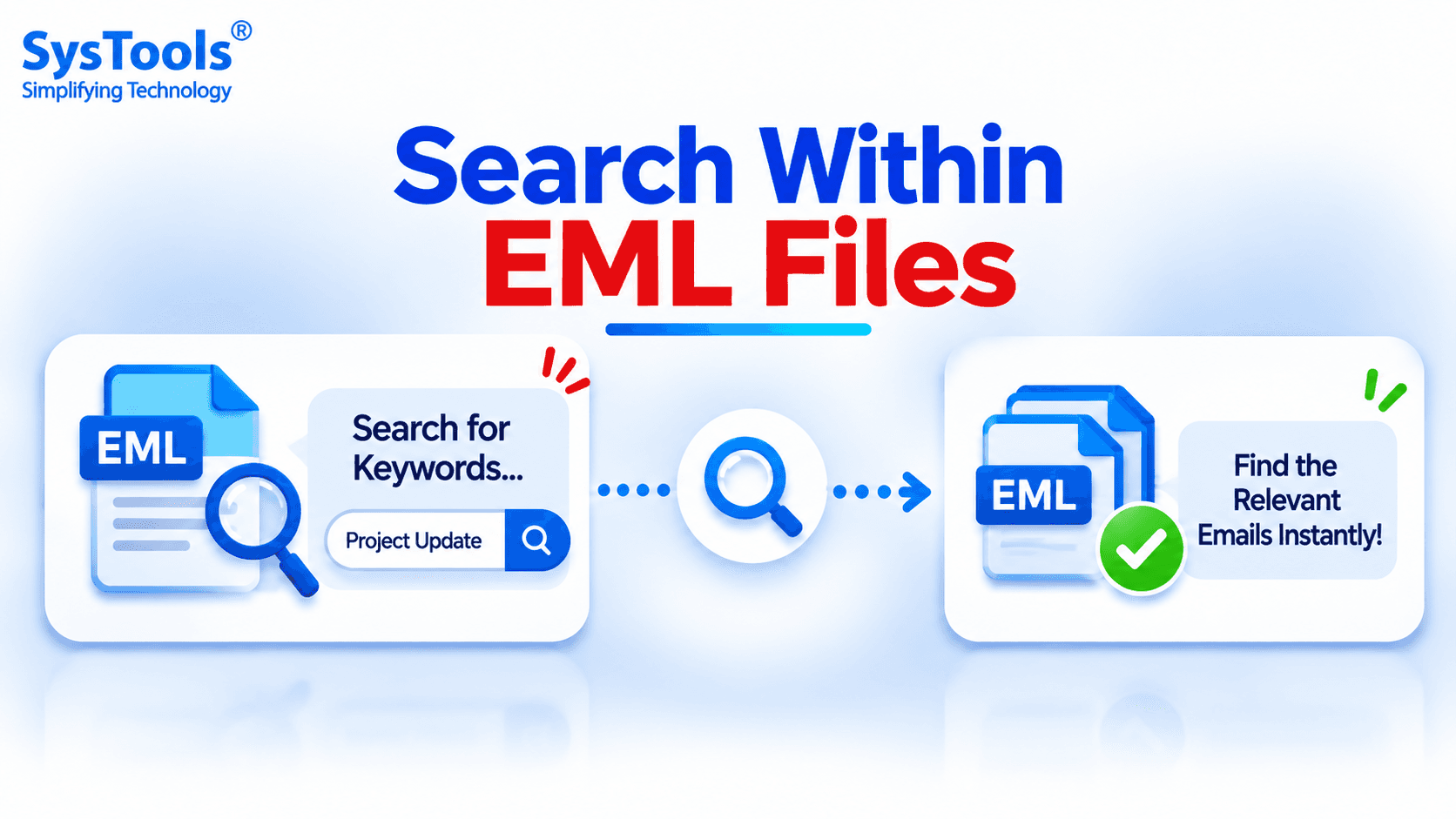
Email files often contain important information, including business conversations, customer queries, attachments, and personal communication. When multiple EML files are stored on a computer, finding a particular email or a specific piece of information can become difficult. Opening every file individually and checking its contents is a time-consuming process.
This is where the ability to search within EML files becomes useful. It allows users to locate specific words, phrases, email addresses, or other relevant information without manually reviewing every email.
Why Do You Need to Search Inside EML Files?
EML is a standard email file format used by various email clients, including Mozilla Thunderbird, Windows Mail, and other email applications. It stores email information such as sender, recipient, subject, date, message body, and attachments.
When users save hundreds or thousands of emails as EML files, locating a particular message can be challenging. Some common situations where searching inside EML files becomes necessary include:
Finding Old Conversations: Locate previous email discussions using specific keywords or phrases.
Searching for Email Addresses: Identify messages associated with a particular sender or recipient.
Finding Important Information: Search for order numbers, customer names, reference IDs, or other details.
Email Investigation: Review stored email messages to find relevant information for business or legal investigations.
Managing Large Email Collections: Locate specific messages without opening files one by one.
Methods to Search Within EML Files
There are different ways to find specific information in EML files. The appropriate method depends on the number of files and the type of information users want to locate.
Method 1: Open EML Files in a Text Editor
One basic approach is to open an EML file using Notepad or another text editor. Since EML files contain readable email headers and message content, users can manually inspect the information.
Follow these steps:
Locate the required EML file on your computer.
Right-click the file and select Open With.
Choose Notepad or another text editor.
Press Ctrl + F to open the Find option.
Enter the keyword or phrase you want to find.
Review the highlighted matching text.
This method works well when users need to search through only one or two EML files. However, it becomes inconvenient when dealing with large email collections because each file must be opened separately.
Method 2: Use Windows File Explorer Search
Windows File Explorer also provides a basic search facility for locating files based on their names and indexed content.
To try this method:
Open the folder containing your EML files.
Enter a relevant keyword in the search box.
Wait for Windows to search the selected location.
Review the files returned in the results.
However, File Explorer may not index all EML message contents by default. Search results can also depend on Windows indexing settings and available file filters. Therefore, this approach may not be suitable for every EML collection.
Method 3: Use a Dedicated EML Viewer
When users need to search through multiple EML files, a dedicated EML viewer can provide a more convenient approach.
SysTools EML Viewer Pro is one option for opening and examining EML files without depending on the original email application. It helps users view email messages and inspect their contents through a dedicated interface.
Users handling large EML collections can consider a specialized viewer with search functionality to locate relevant email information more efficiently.
Search Multiple EML Files Using SysTools EML Viewer Pro
For users who regularly work with EML files, manually opening each message can consume considerable time. SysTools EML Viewer Pro provides a dedicated environment for viewing and examining EML email data.
Instead of depending entirely on individual text editors, users can use the software to explore their EML messages and access relevant email information.
It is particularly useful for people who need to examine stored email collections, review message details, and locate important information during email analysis.
Key Benefits:
Open and view EML files without installing the original email client.
Examine email headers, message bodies, and other available email details.
Review multiple EML files through a dedicated interface.
Access stored email information for investigation and analysis.
Visit the official page to learn more: https://www.systoolsgroup.com/eml-viewer.html
Final Thoughts
Searching through a large collection of EML files does not have to involve opening every email individually. Text editors and Windows File Explorer can help with basic searches, but they have limitations when handling multiple email files.
For more organized email examination, users can consider a dedicated EML viewer. Choosing an appropriate approach makes it easier to locate important email information and manage stored EML messages.