Introduction
Managing Outlook data becomes challenging when users need to migrate emails, access mailbox information without Microsoft Outlook, or preserve important communications for long-term storage. PST files contain essential mailbox components, including emails, contacts, calendars, tasks, notes, and attachments. Converting these files into accessible formats requires a reliable solution that maintains data integrity and folder organization. A PST File Converter simplifies this process by allowing users to export Outlook data into different file formats and email platforms. The SysInfo PST Converter Tool is a suitable solution for individuals and IT professionals who need multi-format conversion, bulk processing, selective migration, and organized mailbox exports.
Why Do Users Need a PST File Converter?
Microsoft Outlook stores mailbox information in PST files. However, users may encounter situations where accessing or migrating this information becomes difficult. For example, organizations switching to cloud-based email services may need to transfer existing Outlook data into another environment.
Similarly, professionals may require mailbox information in PDF, CSV, EML, or MBOX formats for documentation, archival, and accessibility purposes. A dedicated conversion solution helps users manage these requirements without manually exporting individual emails.
Common reasons for PST conversion include:
Migrating Outlook mailboxes to Microsoft 365 or Google Workspace.
Accessing PST data without installing Microsoft Outlook.
Creating email backups in portable file formats.
Extracting contacts and calendars for separate use.
Preparing mailbox records for legal documentation and compliance.
Removing duplicate emails before migration.
Managing multiple PST and OST files efficiently.
Important Features of an Outlook PST Converter
An effective conversion solution should provide more than basic file conversion. It should offer practical features that simplify mailbox management while preserving important information.
1. Multiple File Format Conversion
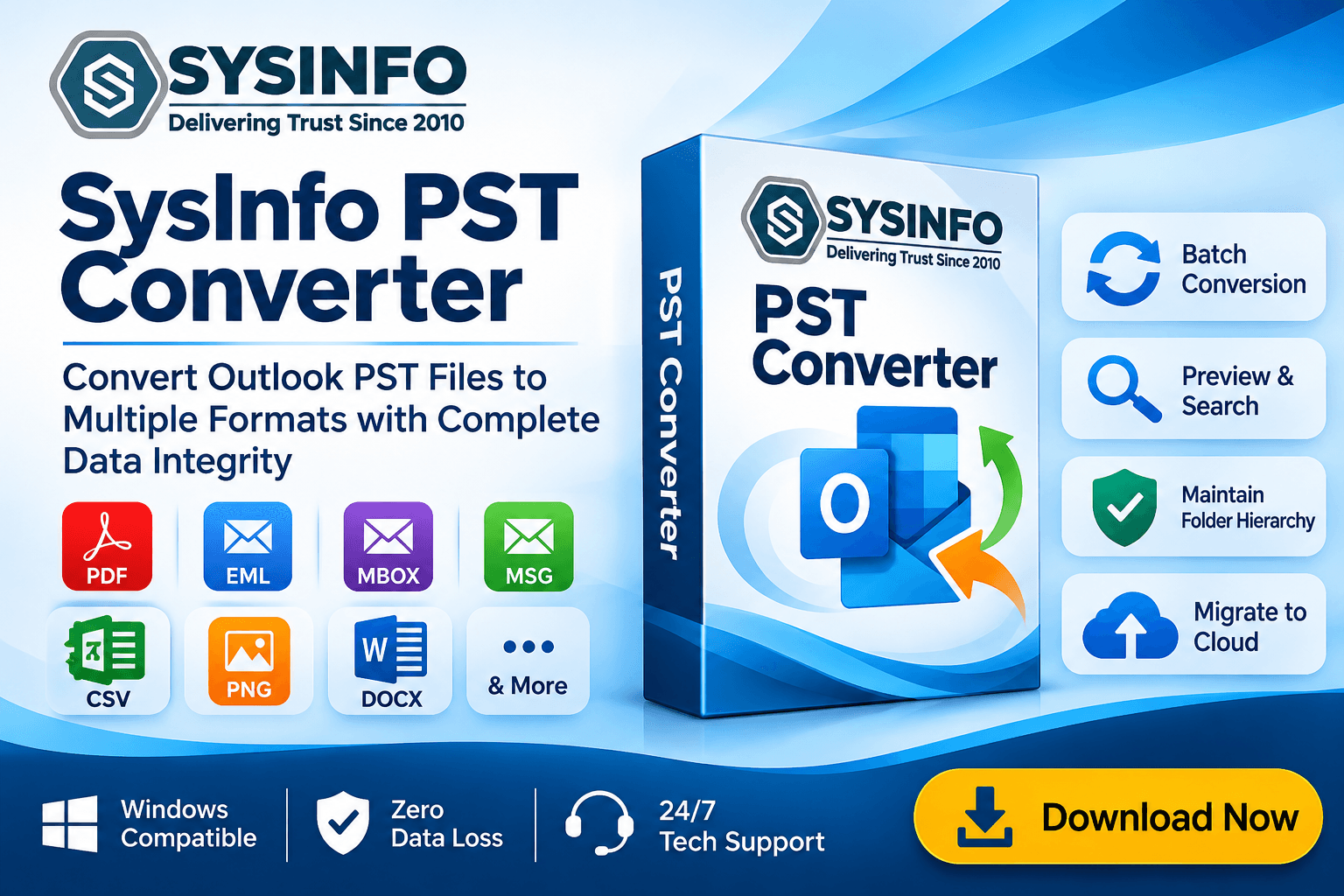
A reliable Outlook PST Converter should support different output formats to improve mailbox accessibility. SysInfo PST Converter Tool supports exporting PST and OST data into formats such as PST, MBOX, EML, MSG, PDF, CSV, PNG, JSON, DOCX, VCF, ICS, and MD.
Users can select the appropriate format according to their requirements. For example, PDF is useful for documentation, CSV helps organize mailbox information, and EML allows individual email storage.
2. Direct Migration to Email Platforms
Organizations frequently migrate from traditional Outlook environments to cloud-based email services. The software supports direct migration of PST data to Office 365, Google Workspace, Outlook.com, GoDaddy, and IMAP accounts.
Modern OAuth authentication provides a secure login mechanism for supported cloud migration processes. The software also maintains mailbox folder organization during migration.
3. Batch PST and OST Conversion
Converting multiple mailbox files individually can consume considerable time. Batch processing makes the process more manageable by allowing users to add individual files, multiple PST and OST files, or folders containing mailbox archives.
The drag-and-drop functionality also simplifies file selection, making bulk conversion more convenient for administrators handling extensive mailbox data.
4. Selective Conversion and Date Filters
Not every mailbox requires complete conversion. Selective processing allows users to choose specific folders and apply Start Date and End Date filters to export emails from a particular period.
This feature is especially useful when organizations need to migrate selected communications rather than entire mailboxes.
5. Duplicate Email Removal
Duplicate messages can increase storage requirements and create unnecessary clutter in destination mailboxes. This tool provides duplicate identification and removal based on To, From, Subject, Bcc, and Body fields.
This helps users maintain cleaner mailbox data during conversion and migration.
6. Folder Hierarchy and Metadata Preservation
Maintaining the original mailbox structure is essential when transferring business communications. The software preserves folders, subfolders, and nested directories during conversion.
It also retains important email information, including sender and recipient addresses, CC, Bcc, subject lines, timestamps, and email headers. This supports organized mailbox management after conversion.
How to Convert PST Files Using SysInfo Software
The conversion process involves a few straightforward steps:
Step 1: Install and Launch the Software
Download, install, and open PST Converter Tool on your system.
Step 2: Add PST or OST Files
Use the Select option to browse and add individual files, multiple mailbox files, or folders containing PST and OST files.
Step 3: Preview Mailbox Data
Examine the available mailbox folders and select the emails or other components you want to convert.
Step 4: Select the Destination
Choose the required output format or email platform. Apply available filters, attachment settings, and other conversion preferences.
Step 5: Start the Conversion
Select the destination location and start the export process. Review the resulting files or migration logs after completion.
Benefits of Using a PST to Multiple Formats Converter
A PST to Multiple Formats Converter provides flexibility when users need to access Outlook information across different applications and platforms.
Some important benefits include:
Improved Accessibility: Export mailbox information into formats that can be accessed through compatible applications.
Simplified Archiving: Save important emails as PDF, MBOX, CSV, and other supported formats.
Better Organization: Preserve folder hierarchy and apply customized output naming conventions.
Efficient Storage Management: Split large PST, MBOX, and PDF output files into segments of supported sizes, including 500 MB and 20 GB.
Attachment Management: Export attachments separately, merge them, or exclude them from the output.
Convenient Preview: Examine mailbox content and attachments before conversion.
The software also supports previewing up to 20,000 emails per folder, with customization depending on the selected license.
Conclusion
Converting Outlook mailbox data requires a solution that combines format flexibility, secure migration, bulk processing, and accurate data preservation. Whether users need to migrate to cloud email platforms, create accessible archives, remove duplicate messages, or extract specific mailbox components, choosing the right software makes the process more manageable.
The SysInfo PST Converter Tool offers multiple export destinations, selective conversion, attachment management, email preview, and folder hierarchy preservation. Its trial version allows users to convert up to 50 emails per folder before purchasing a license. Choosing a dependable PST File Converter can simplify Outlook data management and support organized, efficient mailbox migration.