Email has become an important part of everyday communication, whether it is used for personal conversations, customer support, business transactions, or professional discussions. As email collections grow, managing older messages and keeping important conversations accessible can become challenging.
For Microsoft Outlook users, PST is a familiar file format for storing and managing email data. It provides a way to keep mailbox information in a local data file, making it useful in situations where users want to organize older messages, maintain separate archives, or move email data between Outlook environments.
But what makes PST a preferred choice for many Outlook users? Let's understand its practical uses and advantages.
1. A Convenient Way to Store Email Data
One reason users work with PST files is that they provide a structured way to store Outlook information. Instead of keeping every old conversation in the active mailbox, users can maintain a separate data file for messages they may need later.
This can be useful for people who receive a large volume of emails and want to keep their current inbox focused on recent communication.
For example, a business employee may move completed project conversations into an archive rather than leaving them mixed with ongoing discussions.
2. Easier Organization of Older Conversations
Over time, an email account can accumulate messages from different projects, customers, departments, and personal activities. Finding an older conversation becomes difficult when everything remains in one place.
PST files can help users maintain separate email collections based on their requirements. Outlook folders and categories can also be used to organize messages within the mailbox.
Some common ways to organize archived emails include:
Creating separate archives for different years.
Keeping customer-related conversations together.
Maintaining separate records for completed projects.
Storing important business correspondence for future reference.
A consistent folder structure makes it easier to locate relevant messages when they are needed.
3. Useful for Managing Large Email Collections
Users who have been working with the same email account for several years may have accumulated a substantial amount of data.
Keeping older emails separate from current communication can make mailbox management more convenient. A PST archive offers an additional storage location for Outlook email data, provided it is managed within the limits supported by the Outlook version and storage environment.
However, PST files should not be treated as unlimited storage. Large files can become difficult to manage, so users should monitor their size and maintain backups.
4. Supports Offline Access to Stored Emails
Another useful aspect of PST files is that they can store email data locally. When the relevant PST file is available on the computer and opened in a compatible Outlook setup, users can access its stored messages without needing to retrieve every item from an online mailbox.
This can be helpful when reviewing older correspondence, checking previous business discussions, or referring to saved email records while working offline.
It is important to remember that offline access applies to the data already stored in the PST file. It does not automatically provide access to new messages arriving in an online email account.
5. Helpful During Email Migration
Changing email applications or consolidating email records can create file compatibility challenges. Users may have messages stored in different formats, while Outlook commonly works with PST as one of its data file options.
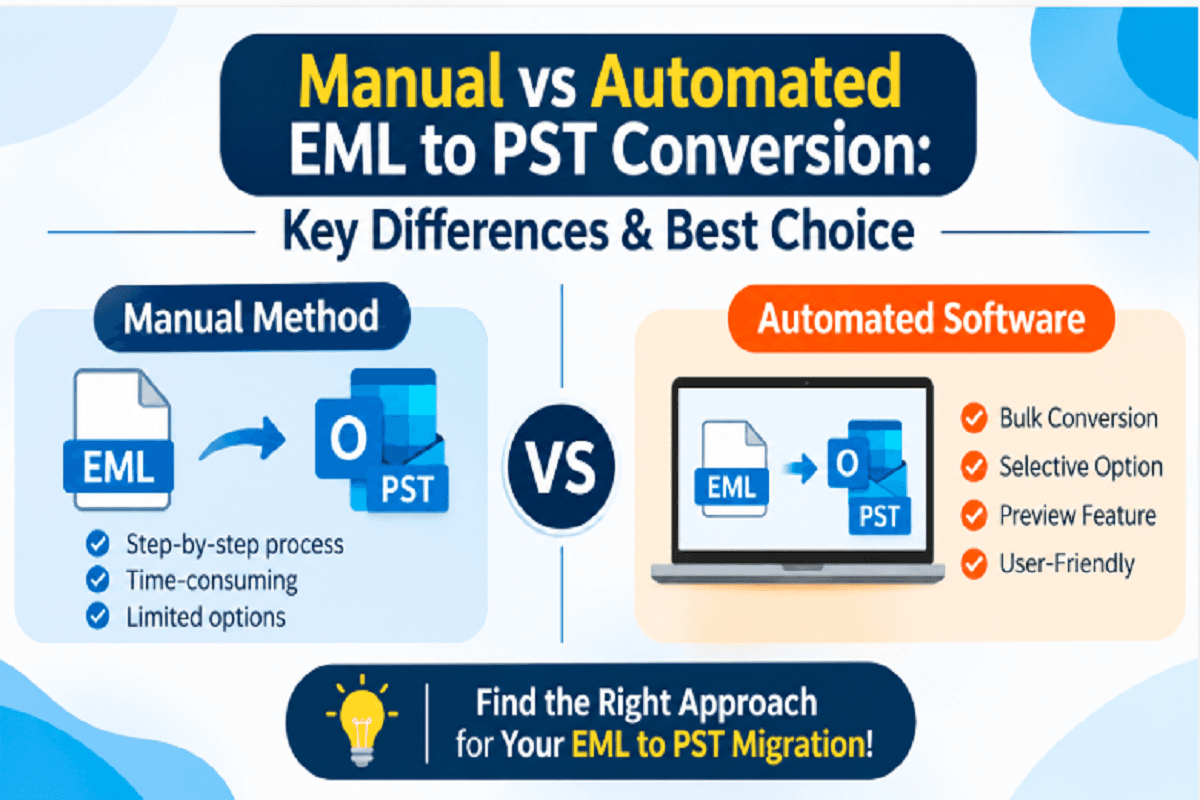
For instance, someone who has collected individual EML messages from an older email application may want to bring those messages into an Outlook environment. In such situations, converting the required EML data into PST can be one approach to consider.
PCDOTS EML to PST Converter is one option users can evaluate when preparing EML messages for Outlook use. Before processing a complete collection, it is sensible to check the supported conversion options and test a few sample emails, including those with attachments.
6. Useful for Separating Personal and Professional Emails
Some users manage multiple types of correspondence and prefer not to keep everything together. Separate PST files can help maintain distinct email collections for different purposes.
For example:
Personal email records can be maintained separately from work-related correspondence.
Completed client projects can have their own archive.
Older departmental communication can be stored independently.
Important conversations can be kept in a dedicated collection.
This approach can make email records easier to manage, especially when users have clear naming and backup practices.
7. Convenient for Long-Term Email Reference
Not every email needs to remain in an active inbox, but certain messages may be useful long after the original conversation has ended.
Invoices, project approvals, customer discussions, and important attachments are examples of information users may need to review later.
Keeping selected messages in a PST archive can provide a practical way to retain these records for future reference. Users should still follow their organization's retention policies and maintain appropriate backups, particularly when emails contain important business information.
Is PST the Right Choice for Every Outlook User?
Although PST offers several useful options, it may not be suitable for every email management requirement.
Before relying on PST files, users should consider a few points:
Storage limitations: Large PST files require careful management and should remain within Microsoft's recommended limits.
Backup requirements: A local PST file can be lost if the storage device fails, so maintaining another copy is important.
Compatibility: PST access depends on the Outlook version and the environment being used.
Data protection: Sensitive email archives should be stored securely and shared only with authorized people.
Organizational policies: Businesses should check their email retention, backup, and compliance requirements before creating separate archives.
PST is a useful option, but the right storage method depends on how frequently emails are accessed, where they need to be used, and how they must be protected.
Final Thoughts
Users prefer PST for Outlook email management because it offers a familiar way to store, organize, and access mailbox data. It can be useful for separating older conversations, maintaining project archives, reviewing saved correspondence, and preparing email data for migration.
However, choosing a file format is only one part of good email management. A clear folder structure, regular backups, and occasional data verification are equally important.
When used thoughtfully, PST files can help Outlook users keep their email collections organized and make important conversations easier to find when needed.