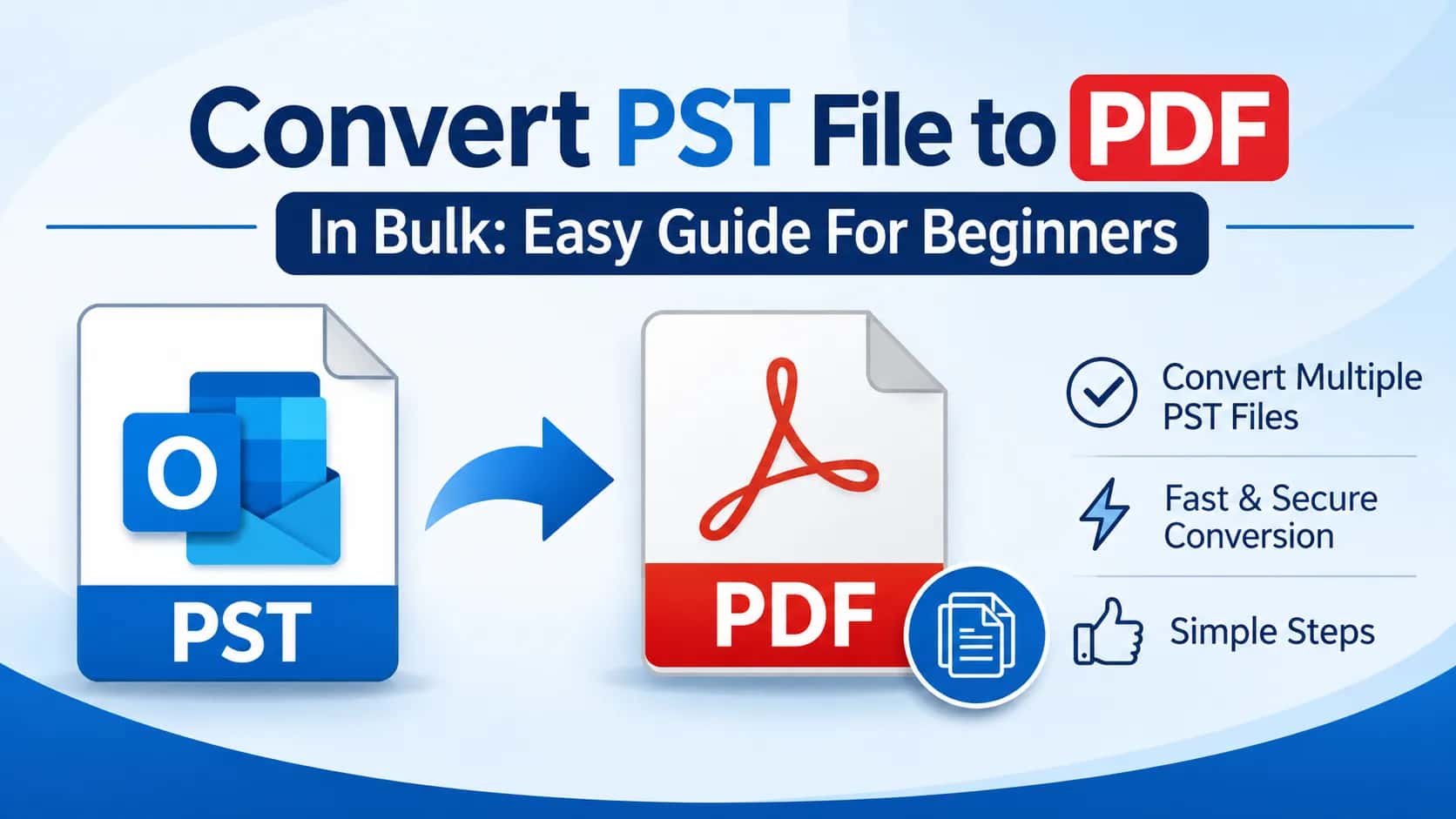
Managing Outlook email data becomes difficult once mailboxes grow large or need to be shared outside the Outlook environment. Many professionals look for ways to convert PST file to PDF so that email records remain accessible, portable, and easy to archive without relying on Outlook itself. This guide explains why PST to PDF conversion matters, the common challenges involved, and the practical methods available, including professional approaches through its dedicated conversion utility.
Understanding PST to PDF Conversion
A PST file is the storage format Outlook uses to hold emails, contacts, calendar entries, and other mailbox items on a local system. While this format works well inside Outlook, it is not practical for sharing, printing, or long-term archiving outside the application. Converting PST data to PDF solves this by placing emails into a universally readable, fixed-layout document format that any device or PDF reader can open. This shift from a proprietary mail container to a standard document format is what makes PST to PDF conversion relevant across both individual and enterprise use cases.
Why Do Users Need to Export PST File to PDF?
There are several practical reasons professionals and organizations choose to export PST file to PDF rather than keep relying on the native Outlook format.
Legal and compliance requirements often demand that email correspondence be submitted in a format that cannot be easily altered, which PDF provides through its fixed structure.
Cross-platform accessibility is another driver, since PDF files open on virtually any operating system or device without requiring Outlook or even an email client to be installed.
Long-term archiving also benefits from PDF conversion, as PST files can become fragmented or corrupted over time, while PDF documents remain stable and easy to store for years.
Simplified sharing matters too, because colleagues, auditors, or clients who do not use Outlook can still view converted emails without compatibility issues.
Common Challenges Associated with PST to PDF Conversion
Despite the clear benefits, users often run into technical and practical obstacles when attempting this conversion.
1. Large PST File Sizes
Mailboxes that have accumulated years of correspondence can become extremely large, making manual conversion slow and prone to errors or incomplete exports.
2. Loss of Folder Structure
When emails are converted individually or through inconsistent methods, the original folder hierarchy can be lost, making it harder to locate specific messages later.
3. Attachment Handling
Emails frequently contain attachments, and not every conversion approach preserves these attachments correctly alongside the converted message body.
4. Formatting and Metadata Issues
Email headers, timestamps, sender and recipient details, and formatting can sometimes be altered or dropped during conversion, reducing the reliability of the final PDF for record-keeping purposes.
Different Methods to Convert PST to PDF
There are generally two approaches available to users who need to convert Outlook PST file to PDF.
Manual conversion through Outlook involves opening each email individually and using the print-to-PDF function built into Windows or Outlook. This method works for a handful of emails but becomes impractical when dealing with hundreds or thousands of messages, since each one must be processed separately.
Dedicated PST converter software automates the process by scanning the entire PST file and converting selected folders or the whole mailbox in a single operation. This approach is generally preferred by IT professionals and businesses handling bulk conversions, since it reduces manual effort and minimizes the risk of missed or incorrectly formatted emails.
How to Convert Outlook PST to PDF
For users relying on dedicated conversion software, the general workflow typically follows these steps:
- Install the conversion tool on a Windows system and launch it with administrative privileges.
- Load the PST file by browsing to its location or allowing the software to auto-detect PST files on the system.
- Preview the mailbox data to confirm the folders, emails, and attachments are displayed correctly before conversion.
- Select specific folders or apply filters, such as a date range, if only a portion of the mailbox needs to be converted.
- Choose PDF as the output format and specify a destination folder for the converted files.
- Start the conversion process and allow the software to process the selected data in a batch.
- Verify the output by opening a sample of the converted PDF files to confirm formatting, attachments, and metadata have been preserved.
Important Considerations Before Performing the Task
Before converting PST data to PDF, a few preparatory steps help avoid complications later.
- Back up the original PST file so that the source data remains intact regardless of how the conversion proceeds.
- Check available storage space, since converted PDF files, especially those with attachments, can require significant disk space.
- Confirm Outlook version compatibility if the conversion tool depends on Outlook being installed, as some PST structures vary slightly across versions.
- Review data sensitivity, particularly for business or legal use cases, since PDF files should be stored securely once conversion is complete.
- Test with a small batch first before processing an entire mailbox, to confirm the output meets formatting and organizational expectations.
How PST To PDF Converter Tool Can Help
The Tool offers a dedicated utility built specifically to address PST to PDF conversion requirements. Aryson PST to PDF Converter helps you to export Outlook PST files to PDF in bulk, convert emails with attachments, and save mailbox data in PDF format. This makes it suitable for individual users managing personal archives as well as IT professionals handling larger mailbox volumes.
The tool is designed around practical usability. Users can convert an entire PST file or select specific folders and email items according to their requirements, and the software maintains the original folder hierarchy during conversion while supporting email attachments. This directly addresses the folder structure and attachment-handling challenges discussed earlier in this guide.
For users dealing with large or long-spanning mailboxes, filtering capability is also built in. The date range filter of the Outlook PST to PDF Converter is another useful feature of the PST to PDF Document Converter, allowing users to narrow down conversions to specific time periods rather than processing an entire archive at once.
The interface is also built with accessibility in mind for non-technical users. The software features a simple and intuitive interface that allows users to add PST files, preview mailbox data, select required folders, and convert emails to PDF with minimal technical knowledge. Those interested in exploring the tool's capabilities in more detail can review the Converter directly for further technical specifications and usage guidance.
Conclusion
Converting PST files to PDF remains one of the more practical ways to make Outlook email data portable, shareable, and independent of the Outlook application itself. The Aryson PST To PDF Converter Tool provides a dedicated solution to convert your PST Files directly into PDF format easily with its user-friendly features. Whether the requirement comes from legal compliance, long-term archiving, or simply the need to share mailbox content with someone who does not use Outlook, understanding the available methods helps ensure the conversion preserves folder structure, attachments, and metadata correctly. Manual methods work for small volumes, but dedicated software becomes necessary once mailbox sizes grow. For anyone looking to convert PST file to PDF reliably and in bulk, evaluating a purpose-built converter against manual alternatives is a sensible first step before committing to a full-scale conversion project.
Frequently Asked Questions3 FAQs
Quick answers to common questions about this topic
A PST (Personal Storage Table) file is the data format Outlook uses to store emails, contacts, calendar entries, and other mailbox items locally. Converting it to PDF makes the email content portable, universally readable, and independent of Outlook, which is useful for sharing, archiving, legal compliance, and cross-platform access.
It depends on the method used. Manual print-to-PDF may not always preserve attachments correctly. Dedicated PST to PDF converter software is designed to handle attachments alongside the email body during conversion.
Aryson PST to PDF converter tool allow users to select specific folders, individual emails, or apply date range filters to convert only the relevant portion of a mailbox rather than the entire file.