Your phone has an SSD. Your laptop almost certainly has one too. They boot in seconds, massive games load in a blink, and file transfers feel instantaneous. Despite all the speed advantages of flash storage, nearly 80% of the world’s data is still stored on spinning Hard Disk Drives.
When you stream a 4K video on YouTube, binge a series on Netflix, or back up photos to the cloud, your data is stored on a rotating magnetic disc inside a massive data center. Why hasn’t the world moved on? Why haven't ultra-fast SSDs wiped out hard drives completely? The answer is not “people are lazy” or “old tech dies slowly.” It is a mix of history, money and some surprisingly delicate physics.
From a One-Ton Fridge to Your Pocket
To understand why hard drives, refuse to die, we have to go back to September 1956, when IBM introduced the world’s first commercial hard disk drive: the IBM 305 RAMAC. Its storage capacity was just 5 MB. The size is where it gets funny. The unit was about as big as two kitchen refrigerators and weighed more than a ton. It was reportedly moved by cargo plane when it had to travel. Businesses leased it for about $3,200 a month, and IBM built over a thousand of them before production ended in 1961.
In 1956, storing a single high-resolution smartphone selfie would have required renting an entire room and hiring a forklift. Inside the IBM 305 RAMAC were fifty massive 24-inch magnetic discs spinning at 1,200 RPM, read by a mechanical arm moving back and forth.
Over the decades, hard drive technology improved dramatically. Storage capacities increased, physical sizes decreased, and manufacturers developed increasingly sophisticated magnetic recording techniques.
But despite all these improvements, the fundamental idea behind HDDs remains surprisingly similar. And that brings us to the first important difference between HDD and SSD technology.
HDD vs SSD: How Do They Actually Store Data?
At first glance, both HDDs and SSDs do exactly the same job: they store digital information.
However, the way they store that information is completely different.
1. How Does an SSD Store Data?
An SSD, or Solid State Drive, stores information using NAND Flash memory. Inside an SSD, there are multiple memory chips containing millions or billions of tiny memory cells. These cells use electrical charge to represent information.
When your computer saves a file, the SSD controller manages the process of programming the appropriate memory cells. Unlike a traditional hard drive, an SSD does not need spinning disks or mechanical read/write heads.
This is one of the biggest reasons SSDs are so fast. They can access data electronically without waiting for a physical disk to rotate or a mechanical head to move into position. However, NAND Flash memory has one important limitation. Its memory cells can only withstand a finite number of program-and-erase cycles.
Every time data is written and erased, the cells experience some wear. Modern SSD controllers use technologies such as wear leveling, error correction, and spare memory capacity to distribute this wear and extend the drive's lifespan.
So, while SSDs are extremely reliable, their flash memory does have finite write endurance.
2. How Does an HDD Store Data?
A traditional HDD works differently. Instead of using electronic memory cells, it stores information on circular magnetic platters coated with a magnetic material. These platters spin at high speeds while a mechanical read/write head moves across their surfaces.
When data is written, the recording head changes the magnetic orientation of tiny regions on the platter. These magnetic patterns represent digital information in binary form: 0s and 1s. When your computer needs to read a file, the read head detects the magnetic patterns and converts them into digital information.
One interesting advantage of magnetic storage is that rewriting data does not involve the same program-and-erase cycle limitation found in NAND Flash memory. An HDD can rewrite the same magnetic storage regions many times.
Of course, HDDs also have limitations. Their mechanical components can wear out, and physical shocks can damage them. So, neither technology is perfect. But if SSDs are faster and have no moving parts, why haven't they completely replaced HDDs?
The answer is surprisingly simple.
The Biggest Reason: Cost Per Terabyte
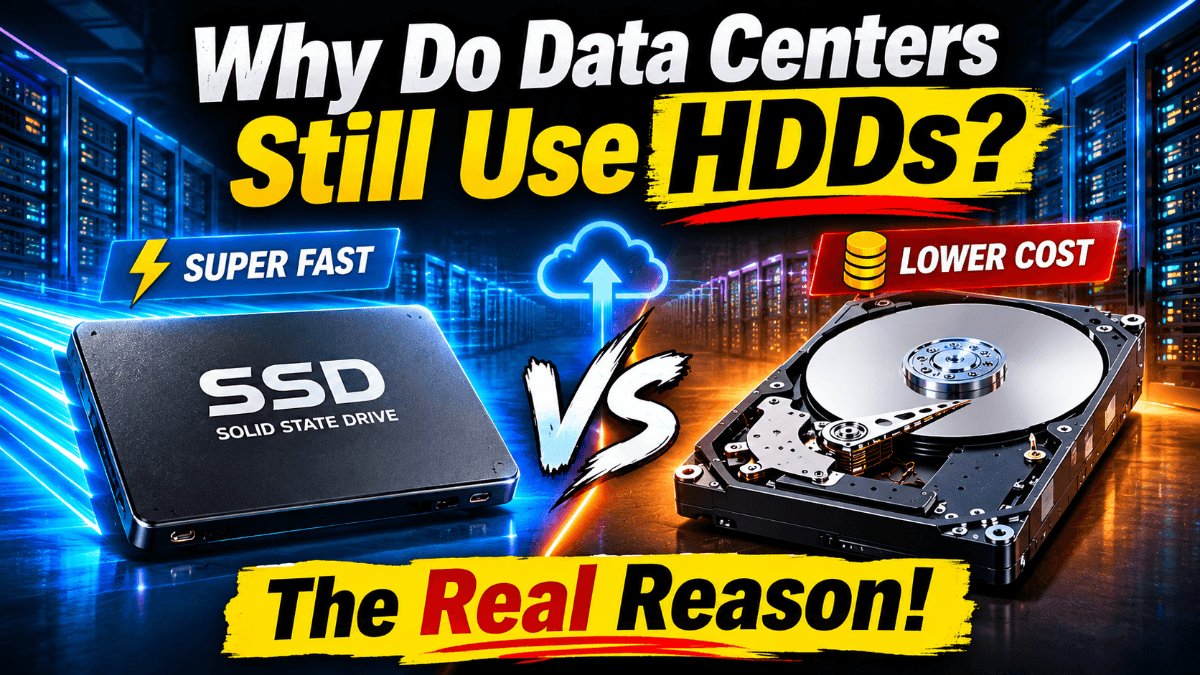
Here comes the real reason why HDDs remain important in modern data centers. Cost per terabyte.
An SSD generally costs more per terabyte than a comparable-capacity HDD. This difference becomes extremely important when you are operating a data center that needs to store petabytes or even exabytes of information.
Let's understand this with a simple example. Imagine a company needs to store 1,000 TB of data.
It has two options:
Buy high-capacity SSDs for the entire storage requirement.
Use enterprise HDDs to store most of the data.
The second option can significantly reduce the overall storage hardware cost. And when a company needs to build storage infrastructure on an enormous scale, even a small difference in cost per terabyte can translate into substantial savings.
Think of it this way.
An SSD is like a sports car. It delivers incredible speed and performance. An HDD is like a massive cargo truck. It might not be as fast, but it can carry enormous amounts of cargo at a lower cost.
When your primary requirement is speed, an SSD makes sense. But when your primary requirement is storing enormous amounts of data economically, HDDs become extremely attractive. And for cloud companies, storage economics matter a lot.
Why Do Google, Microsoft, and Amazon Still Need HDDs?
Companies such as Google, Microsoft, and Amazon operate massive cloud and data center infrastructures. Their storage requirements are very different from those of an ordinary laptop user. A personal computer might need 1 TB or 2 TB of storage.
But a global technology company needs to manage enormous quantities of information, including:
User-uploaded photographs and videos.
Website files and application data.
Cloud backups.
Business documents.
Archived information.
Large datasets used by applications and AI systems.
Not all this information needs to be accessed at the same speed. For example, a frequently accessed application database may need extremely fast storage. But an old backup or an archived video might not need the same level of performance. This is where a combination of SSDs and HDDs becomes useful.
The Hybrid Storage Strategy
Modern data centers can use different storage technologies depending on workload requirements.
SSD - Frequently accessed data, databases, caching, high-performance workloads
HDD - Large-capacity storage, bulk data, backups and selected archival workloads
Tape - Long-term archival and offline backup
This approach allows companies to balance performance, capacity, reliability, and cost. Instead of spending money on expensive high-performance storage for everything, they can use the right storage technology for the right job.
This is why HDDs haven't disappeared, even after decades of SSD development.
How Does Your YouTube Video Travel From an HDD to Your Smartphone?
Now let's connect all of this with something you probably use every day: YouTube. Imagine uploading a video to YouTube. That video becomes part of a massive digital infrastructure that must store, process, distribute, and deliver content to viewers around the world.
When someone presses play, the request travels through the internet to Google's infrastructure. The video may be delivered from a nearby cache or Content Delivery Network (CDN), rather than directly from its original storage location.
Depending on the architecture and workload, the underlying storage infrastructure may involve SSDs, HDDs, and other storage systems. The important point is that the entire system is designed to deliver content efficiently while managing enormous amounts of data.
So, the next time you watch a YouTube video, remember that behind that simple play button is an incredibly complex global storage and delivery infrastructure.
And traditional magnetic storage technology can still be an important part of that infrastructure.
Are HDDs Becoming Obsolete?
Not really.
HDD technology has continued to evolve, with manufacturers developing higher-capacity drives using techniques such as helium-filled enclosures, shingled magnetic recording (SMR), and heat-assisted magnetic recording (HAMR).
These technologies help increase the amount of information that can be stored on magnetic platters. At the same time, SSD technology continues to improve, with higher capacities, faster interfaces, and better endurance.
Both technologies are evolving, but they serve different purposes. For everyday users, SSDs are generally a better choice for operating systems, applications, and workloads where speed matters.
For large-scale storage requirements, HDDs can still offer significant economic advantages. The future of storage is not necessarily about one technology replacing the other. It is about using the right technology for the right purpose.
Final Thoughts: Sometimes Being the Fastest Isn't Everything
We often assume that newer technology must always replace older technology. But the story of HDDs and SSDs shows why that isn't necessarily true. SSDs are faster, quieter, and have no moving mechanical components.
HDDs, on the other hand, continue to offer an attractive cost per terabyte for large-scale storage. And when companies need to store enormous amounts of data, saving money on storage can be just as important as improving speed.
So, HDDs are not simply outdated technology waiting for retirement. They have found a different role in the modern digital world.
Because in technology, being the fastest isn't always the most important thing. Sometimes, being the most economical is the real superpower.
Frequently Asked Questions6 FAQs
Quick answers to common questions about this topic
Mainly because of cost per terabyte. HDDs store far more data for the same money, and most stored data is not accessed often enough to justify paying for flash speed.
For speed, noise, shock resistance and power efficiency, yes. For cheap, large-scale storage, HDDs still lead. “Better” depends on the job.
SSD cells do have a limited number of write cycles, but modern SSDs manage this well. For most people it is not a practical concern, though it matters in write-heavy data center workloads.
The IBM 350 disk storage unit, part of the IBM 305 RAMAC system, introduced in 1956. It used fifty 24-inch platters and stored about five million characters.
Unlikely in the near term. Demand is being driven by AI and global data growth, though flash is steadily taking more of the faster and more power-sensitive tiers.
It happens when the read/write head touches the spinning platter, damaging the magnetic surface and often the data on it.