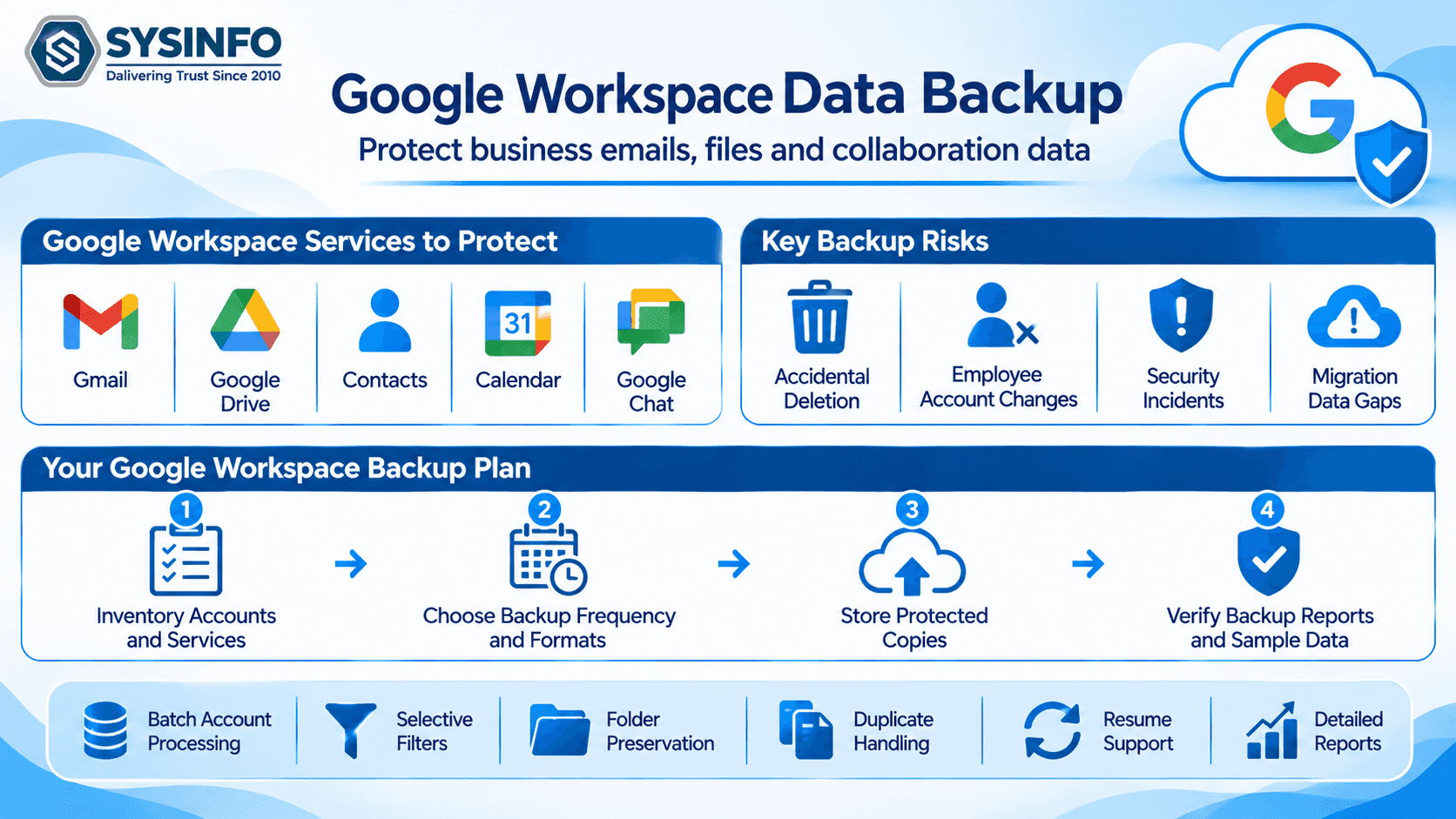
Google Workspace has become an important part of everyday business operations. Organizations use Gmail for communication, Google Drive for document storage, Google Calendar for scheduling, Google Contacts for managing professional relationships, and Google Chat for internal collaboration. These services contain information that employees and administrators depend on to complete daily activities.
However, keeping business information exclusively within an active cloud account does not eliminate the possibility of data loss. Accidental deletion, account suspension, employee departures, administrative mistakes, security incidents, and organizational changes can affect access to important information. For this reason, businesses should consider maintaining independent backups of their Google Workspace data.
Creating a backup involves more than downloading a collection of files. Organizations must identify which services require protection, determine how frequently information should be saved, select suitable storage locations, and establish a process for checking backup completeness.
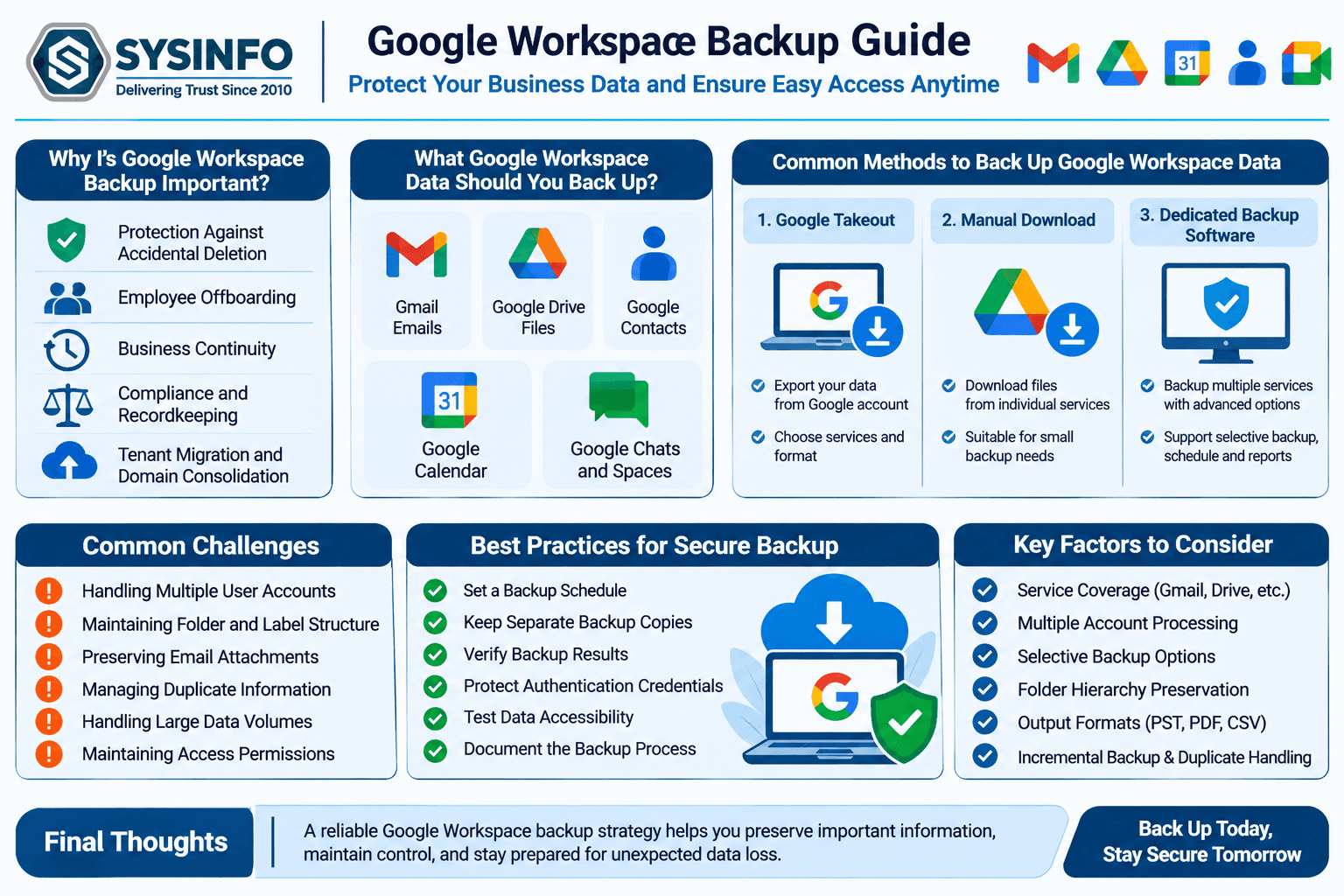
Why Is Google Workspace Data Backup Important for Businesses?
Cloud-based collaboration makes information accessible across devices and locations. However, organizations still need a separate data protection strategy to manage situations in which information becomes unavailable or is accidentally removed.
Protection Against Accidental Deletion
Employees may unintentionally delete important emails, shared documents, calendar entries, or files from Google Drive. Depending on the service and retention settings, recovering deleted information may become difficult after a certain period.
An independent backup provides another copy that can help organizations recover important records when the original content is no longer available.
Employee Resignation and Account Deactivation
When an employee leaves an organization, administrators may need to deactivate the account or reassign its license. Before doing so, they should determine whether the mailbox, Drive documents, contacts, and other business information need to be retained.
A planned backup helps preserve relevant records before account access changes.
Business Mergers and Organizational Restructuring
Mergers, acquisitions, and departmental restructuring often require organizations to reorganize their Google Workspace environments. During these changes, administrators may need to consolidate information from multiple accounts or move data into another tenant.
Maintaining a separate backup before migration provides an additional reference point for reviewing transferred information.
Security Incidents and Administrative Errors
Compromised accounts, unauthorized changes, and incorrect administrative operations can affect business information. A separate backup can support recovery planning and help reduce dependence on the original account.
However, backup storage should also be protected through appropriate access controls and security practices.
Which Google Workspace Services Should Be Included in a Backup?
Google Workspace contains several services, and each stores different types of information. Businesses should evaluate their requirements instead of focusing exclusively on Gmail.
Gmail Mailboxes
Business email accounts contain customer conversations, invoices, approvals, contracts, internal discussions, and other important communication. A suitable backup strategy should consider message content, attachments, labels, timestamps, and mailbox organization.
Google Drive
Google Drive stores documents, spreadsheets, presentations, PDFs, images, and other business files. Organizations should identify both individual My Drive content and relevant Shared Drive information.
Files shared by other users may also be important, particularly when employees depend on shared documents for ongoing projects.
Google Contacts
Contact information may include customer details, supplier records, employee information, telephone numbers, and professional email addresses. Exporting required contacts helps organizations retain access to important business relationships.
Google Calendar
Calendars contain meetings, appointments, reminders, deadlines, and event details. These records can be important for project coordination, employee scheduling, and business planning.
Google Chat and Spaces
Teams often use Google Chat for quick communication and Google Spaces for collaborative discussions. Conversations may contain project updates, shared files, decisions, and operational instructions.
Organizations should determine whether these communication records need to be retained for future reference or internal compliance requirements.
Tasks and Other Workspace Information
Depending on the organization's requirements and the backup solution's supportability, administrators may also need to consider tasks and other associated Workspace information.
The exact backup scope should be confirmed before beginning a project.
What Are the Common Risks of Relying Only on Cloud Storage?
Google Workspace provides cloud-based storage and collaboration capabilities, but organizations should not treat active cloud access as a complete replacement for an independent backup strategy.
Accidental Changes Can Affect Important Records
An employee may overwrite a document, remove a folder, or change information without realizing its importance. If the organization does not have a suitable recovery option, restoring the original information may become complicated.
Account Access Can Change
When employees leave or accounts are suspended, access to their stored information may change. Administrators need a documented process for retaining business data before making account-level changes.
Shared Content Creates Dependencies
Business operations often depend on documents owned by other users. If ownership or sharing permissions change, employees may lose access to files they previously used.
A backup plan should identify important shared information and evaluate whether it can be preserved independently.
Migration Can Introduce Data Gaps
Moving information between Workspace domains or to another platform involves several technical considerations. Incorrect account mapping, missing permissions, unsupported items, or incomplete transfers can create gaps.
Keeping a separate backup before migration helps administrators compare the original information with the destination environment.
How Should Businesses Plan a Reliable Google Workspace Backup?
An organized backup strategy begins with identifying business requirements and defining how information will be protected.
Identify Important Accounts and Services
Create an inventory of the Google Workspace accounts that require protection. Identify departments, shared resources, employee accounts, and business-critical services.
For example, the finance department may require regular backups of invoices and email approvals, while the human resources department may need to preserve employee-related communication and documents.
Define the Backup Frequency
Not every organization needs the same backup schedule. Businesses that exchange large volumes of email or update documents frequently may require more regular backups than organizations with limited activity.
The backup frequency should reflect how much recent information the business can afford to lose.
Choose the Required Backup Formats
Different formats serve different purposes. Selecting an output format should depend on how the data will be accessed or used later.
PST: Useful for storing email data in a format associated with Microsoft Outlook.
PDF: Suitable for readable records, documentation, and selected email archives.
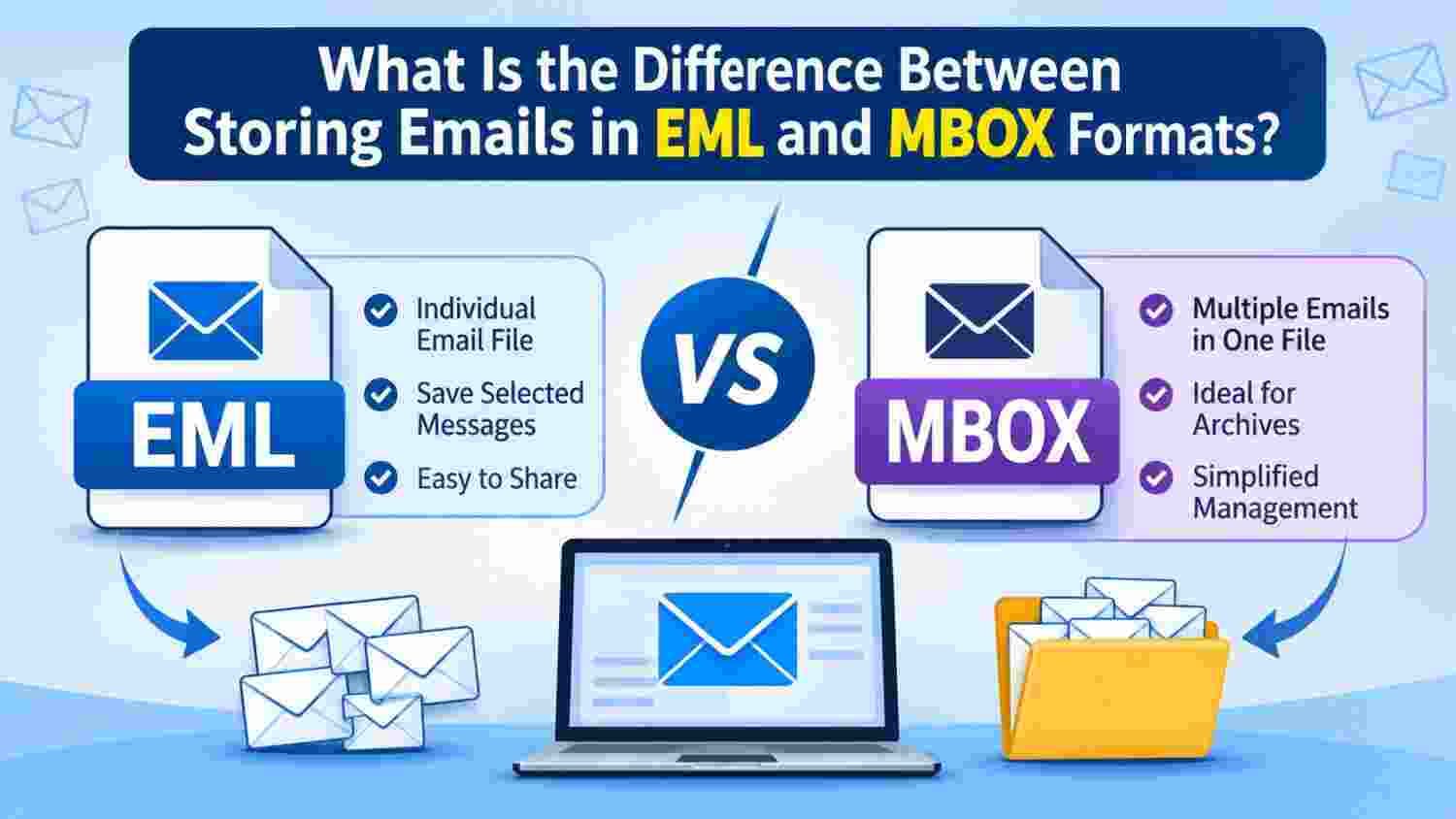
MBOX: Useful for transferring email data to compatible email applications.
CSV: Helps organize supported records in a tabular format.
VCF: Suitable for exporting contact information.
ICS: Used for transferring supported calendar information.
Google Drive documents may also require conversion into compatible Office formats when they are being moved to another platform.
Select a Suitable Storage Location
Businesses should decide where independent backup copies will be stored. Possible destinations include local computers, external hard drives, network storage, NAS devices, and approved cloud storage services.
For important business information, maintaining more than one protected copy can improve resilience. Storage locations should have appropriate access restrictions and monitoring.
Document Backup Responsibilities
A backup strategy should clearly identify who manages the process, who can access stored information, and who is responsible for checking backup reports.
Documented responsibilities reduce confusion when an administrator leaves or another team member takes over the process.
What Challenges Can Occur During Google Workspace Backup?
Even a planned backup operation can encounter technical and administrative difficulties. Understanding common issues helps administrators prepare suitable solutions.
Authentication and Permission Problems
Backup applications require authorized access to the selected Workspace services. Missing API permissions, expired authentication sessions, or incorrect administrator settings may prevent access to certain accounts or data types.
Administrators should verify authentication requirements and grant only the permissions necessary for the intended operation.
Large Mailboxes and Drive Accounts
Some employees may have extensive mailboxes and large Drive collections containing thousands of files. Processing these accounts can require additional time, storage, and system resources.
Dividing large operations into manageable batches can make monitoring easier.
Duplicate Information
Repeated backup operations may produce duplicate emails or files. Duplicate handling can help reduce unnecessary storage consumption and make archives easier to review.
Incomplete Data Selection
Selecting only Gmail while overlooking Drive, Calendar, or Chat can leave important business information outside the backup scope.
Administrators should review the selected services and account inventory before starting the operation.
Network Interruptions
A temporary internet interruption can affect a backup or migration job. A solution with checkpoint-based resume functionality can help continue supported operations without unnecessarily repeating completed work.
Data Organization Problems
An archive containing files without their original folders, labels, or metadata can be difficult to use. Businesses should evaluate whether their backup method preserves the organizational details needed for future access.
What Features Should You Look for in Google Workspace Backup Software?
Selecting a suitable backup solution requires evaluating its supported services, authentication methods, filtering options, and reporting capabilities.
Multiple Account Processing
Organizations with several employees may prefer batch processing instead of connecting each account individually. CSV-based account mapping and administrator authentication can simplify supported bulk operations.
Selective Backup and Date Filters
Date-range and content-based filters help users select relevant information. For example, an administrator may need emails from a particular period rather than an entire mailbox.
Metadata and Folder Preservation
Preserving Gmail labels, folder organization, and available metadata helps maintain the context of archived communication.
For Google Drive, maintaining the folder hierarchy is equally important when employees depend on organized project directories.
Duplicate Detection
Duplicate removal can help prevent repeated items from unnecessarily increasing backup size. Administrators should review how the software identifies duplicate messages and files.
Resume and Incremental Operations
A resume option can help continue an interrupted operation from a supported checkpoint. Incremental processing can also reduce repeated work when new or modified information needs to be handled.
Detailed Reports
Backup reports should provide useful information about completed, skipped, and failed items. These records help administrators review operations, investigate errors, and maintain internal documentation.
Secure Data Processing
Organizations should understand how the application handles authentication credentials and business information. Review its privacy practices, encryption methods, API access, and storage policies before selecting a solution.
How Does a Dedicated Google Workspace Backup Tool Help?
For businesses managing multiple accounts and different types of Workspace information, a dedicated application can simplify backup and migration activities.
The SysInfo Google Workspace Backup Tool supports the backup and migration of Gmail, Google Drive, Google Chat, and other supported Workspace information. It provides options for exporting mailbox data into PST, PDF, MBOX, and CSV formats, with VCF support for contacts and ICS for calendars.
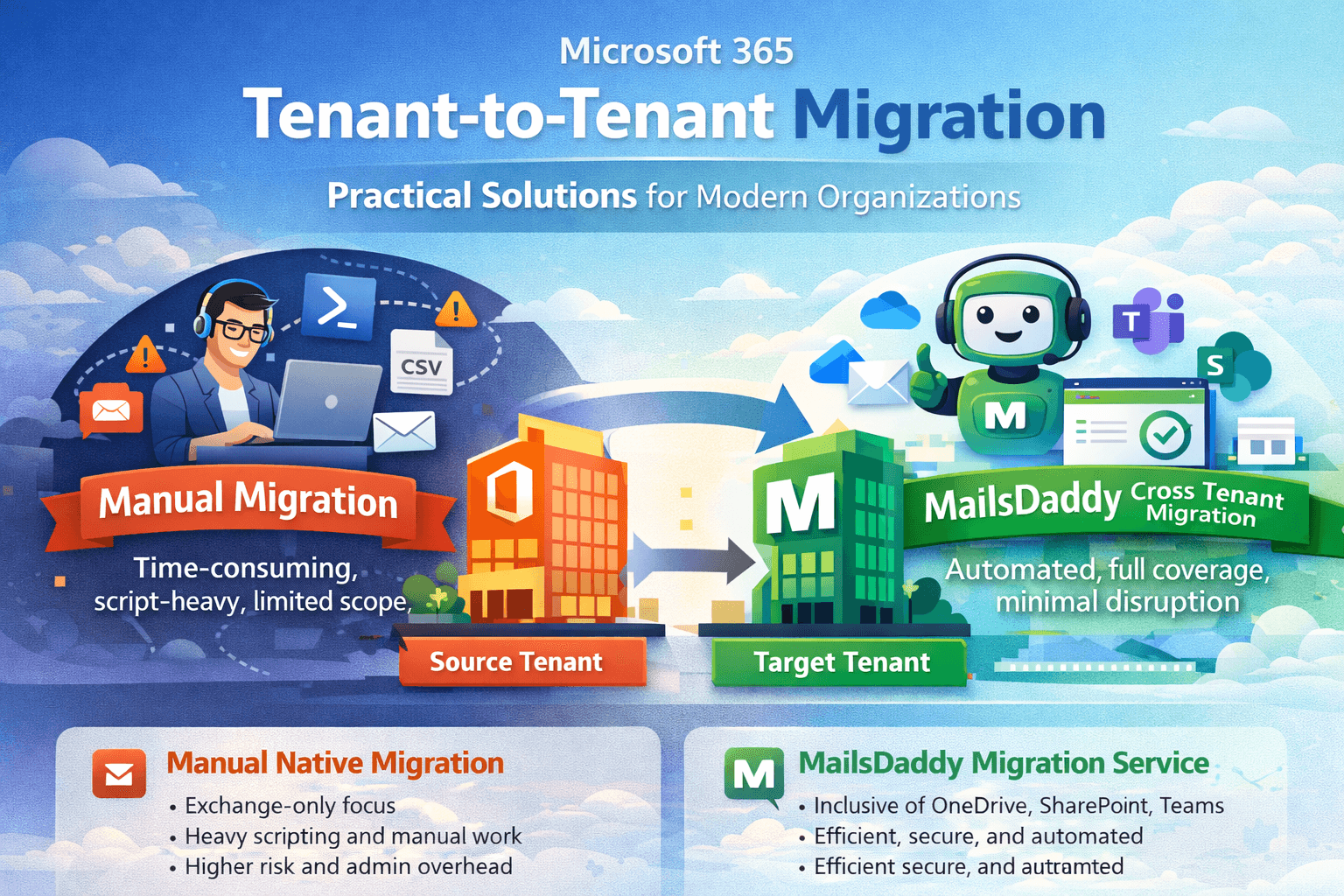
The application also supports direct migration to another Google Workspace account, Microsoft 365, and Exchange Server. For Drive data, supported Google documents, spreadsheets, and presentations can be converted into compatible Office formats during relevant migration operations.
Its available features include multiple authentication methods, CSV-based batch account processing, date-based filtering, duplicate handling, folder hierarchy preservation, and detailed job reports. Resume functionality can help continue supported interrupted operations.
Administrators can select the required data, configure the destination, apply available filters, and monitor the operation through its reporting interface.
Before using any backup solution, businesses should review its supported services, system requirements, authentication prerequisites, and trial limitations. Testing a small group of accounts before processing the entire organization is also recommended.
How Can Administrators Verify a Google Workspace Backup?
A backup should not be considered reliable simply because the software reports that the operation has finished. Administrators should perform additional checks to evaluate the resulting data.
First, review the backup report and identify completed, skipped, and failed items. Investigate errors related to permissions, authentication, unsupported content, or network interruptions.
Next, open sample email records and verify message content, attachments, labels, and relevant metadata. Check selected Google Drive files and compare their folder organization with the source account.
For contact and calendar backups, open representative VCF and ICS files using compatible applications. If the backup is intended for migration, verify that the destination contains the expected accounts and information.
Finally, confirm that the backup files are stored in the intended location and that authorized administrators can access them when required.
Final Thoughts
Google Workspace backup is an important part of business data management. Gmail, Drive, Contacts, Calendar, and Chat can contain information that organizations need to retain beyond the availability of an individual account.
A reliable strategy should begin with a clear inventory of business data, an appropriate backup schedule, suitable export formats, and protected storage locations. Administrators should also consider authentication, duplicate handling, folder preservation, interrupted operations, and backup verification.
By reviewing these requirements and using a suitable backup process, businesses can improve their preparedness for accidental deletion, account changes, organizational restructuring, and migration projects while keeping important information accessible for future needs.