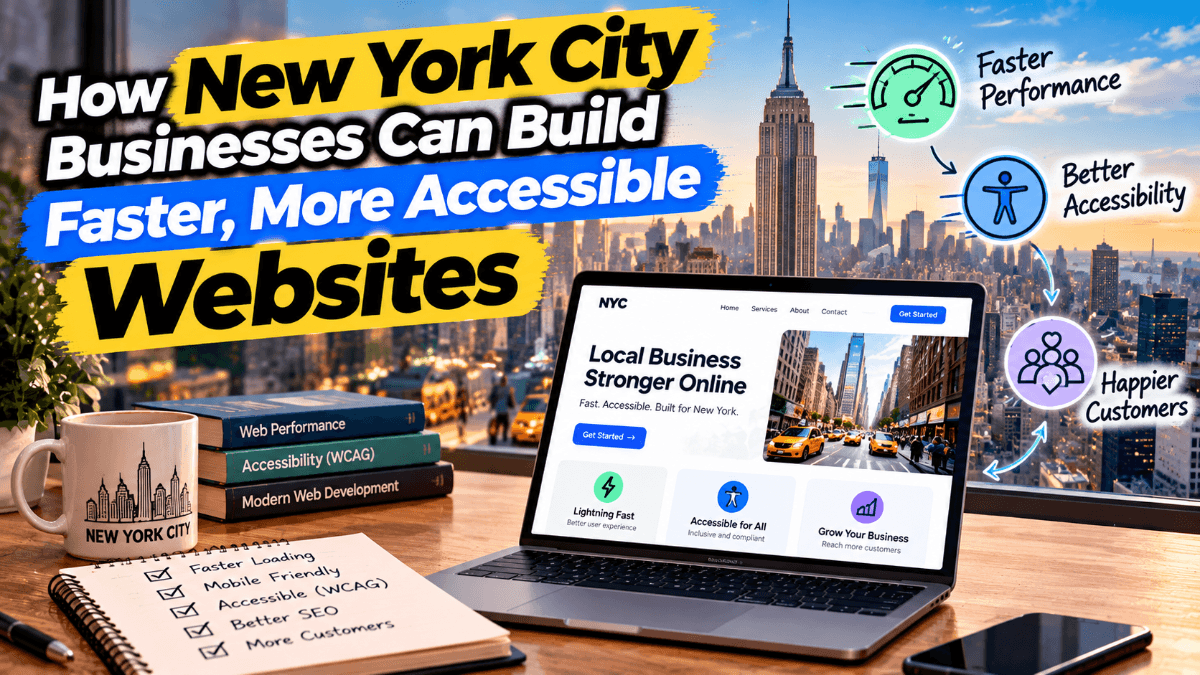
Key Takeaways
- Start with a business goal before selecting a design or platform.
- Make mobile speed, clear content, and accessibility core project requirements.
- Build a simple site structure that helps visitors find answers and take action.
- Protect search visibility, security, and performance during and after launch.
- Use real customer behavior to guide ongoing website improvements.
In New York City, a business website often has only a brief opportunity to earn attention. Someone may be comparing options from a subway platform, looking for a nearby provider between meetings, or researching a purchase late at night. A polished appearance matters, but a useful site must also load quickly, answer practical questions, and make the next step obvious. Working with a WordPress development company New York businesses trust can help turn those priorities into a site that is manageable after launch.
For organizations across Manhattan, Brooklyn, Queens, the Bronx, and Staten Island, strong website planning is more valuable than chasing every new design trend. The best result is a website that connects a clear business purpose with the needs of actual customers, clients, patients, tenants, shoppers, or community members.
Start With Goals and Real Users
Define the project's main purpose before discussing colors, templates, or software. A service company may need more qualified calls and appointment requests. A retailer may need reliable product filtering, inventory connections, and a smooth checkout. A nonprofit may need to explain its work, solicit donations, and share information about local programs. One primary goal is to make decisions about pages, features, and measurement far easier.
Next, identify who will use the site and what they need to know before acting. Separate first-time visitors from returning customers. Review questions from sales calls, customer support emails, in-store conversations, and search terms. These sources can reveal whether people need pricing guidance, service areas, availability, credentials, directions, preparation instructions, or proof of past work. Plan for people using small screens, limited time, and inconsistent connections.
Build a Clear Structure and Useful Content
A simple website structure helps visitors move with confidence and gives search engines a clearer context. Most New York City business websites benefit from a focused set of pages:
- A homepage that explains the business's value.
- About the team, or company information that supports trust.
- Dedicated service or product pages with specific details.
- Location or service-area pages are genuinely useful when they are.
- Frequently asked questions, guides, or resources.
- A contact page, booking page, quote request page, or checkout page.
Keep navigation labels descriptive, menus short, and calls to action consistent. More pages do not automatically make a better site. Each page should have a clear job: help a visitor understand an offer, compare options, complete a task, or find the right person to contact.
Write for decisions, not for empty marketing language. Put the clearest value statement near the top of important pages, then explain services, process, requirements, timing, and common questions in plain language. Google's guidance on people-first content supports the same practical approach: publish original information that serves visitors instead of filling pages with repetitive search phrases.
Make Mobile Performance Non-Negotiable
Mobile usability should be part of the initial plan, not a final review item. Use responsive layouts, properly sized and compressed images, efficient fonts, and a restrained approach to scripts and animations. Core Web Vitals can provide useful performance signals, but the real test is whether people can complete important tasks without frustration.
Test key pages on actual phones before launch. Confirm that visitors can read the main message without zooming, tap buttons accurately, open the menu quickly, submit forms, use maps or filters, and complete purchases or bookings. Also, check that page elements do not jump unexpectedly while content loads.
Design Accessibility Into Every Step
Accessible design improves the experience for people who use keyboards, screen readers, captions, enlarged text, or high-contrast colors. It also encourages clearer interfaces for everyone. The WCAG 2.2 guidance provides a widely used framework for accessibility considerations across websites and mobile experiences.
- Use headings in a logical order.
- Provide meaningful alternative text for informative images.
- Maintain readable text sizes and sufficient contrast.
- Ensure menus, forms, and other essential features work by keyboard.
- Label form fields and provide clear, useful error messages.
- Avoid flashing effects and motion that interferes with use.
Automated scans can identify some technical issues, but they cannot judge every barrier. Manual keyboard checks, screen reader reviews, and testing with real users provide a more complete picture.
Choose Technology That Fits the Work
The right platform depends on the project. A small professional services site may need an easy-to-use content management system and dependable forms. An online store may require payment, shipping, inventory, and product-management tools. A larger organization may need accounts, databases, custom workflows, or integrations with internal systems. The newest stack is not automatically the strongest choice. A stable system that staff can update confidently often provides greater long-term value.
Protect Search Visibility During a Redesign
Before replacing an existing site, inventory important pages, URLs, traffic sources, conversions, and content. Retain strong pages where possible and use redirects when addresses change. Review page titles, headings, internal links, structured data, and analytics. During testing, make sure unfinished staging pages are not available to search engines.
A pre-launch review should include backups, redirects, form testing, mobile checks, and analytics verification. After launch, check for broken links, indexing problems, missing pages, and unexpected changes in inquiries or sales.
Plan for Maintenance and Measurement
A website needs ongoing care even when it still looks current. Schedule software and plugin updates, backups, security monitoring, broken-link checks, form and checkout tests, performance reviews, content updates, and accessibility checks after major changes.
Measure outcomes tied to the original goal: qualified calls, completed forms, bookings, online sales, engagement with important pages, relevant organic traffic, and customer feedback. Page views alone rarely tell the full story. A smaller audience that takes meaningful action can be more valuable than a large amount of untargeted traffic.
Create a Practical Website Timeline
- Discovery: Define goals, audiences, content, features, and technical requirements.
- Planning: Create the sitemap, scope, content plan, and measurement plan.
- Design and development: Build responsive layouts, reusable components, forms, integrations, and content tools.
- Testing and launch: Review speed, accessibility, security, device and browser support, redirects, and analytics.
- Improvement: Use real visitor behavior to make focused updates after launch.
Conclusion
Flashy effects or an oversized feature list do not define a successful New York City website in 2026. It helps real people find answers, complete tasks, and trust the organization behind it. With clear goals, accessible design, mobile performance, helpful content, appropriate technology, and consistent maintenance, a business website becomes easier to use and improve.
Frequently Asked Questions4 FAQs
Quick answers to common questions about this topic
Cost depends on scope, including page count, original content, design requirements, integrations, e-commerce needs, migration work, and ongoing support. Compare proposals by deliverables and long-term maintenance needs, not by one number alone.
A small site can move efficiently when content and approvals are ready. Larger projects take longer because they may involve complex content migration, integrations, testing, and reviews from multiple stakeholders.
Templates can support faster, lower-complexity projects. Custom development can be useful when a business needs distinctive workflows, integrations, or content structures. Choose the option that solves the operating problem without creating unnecessary maintenance.
No. A focused resource section is worthwhile when the business can consistently publish useful answers to real customer questions. A small collection of maintained guides is usually stronger than a large archive of thin, outdated posts.