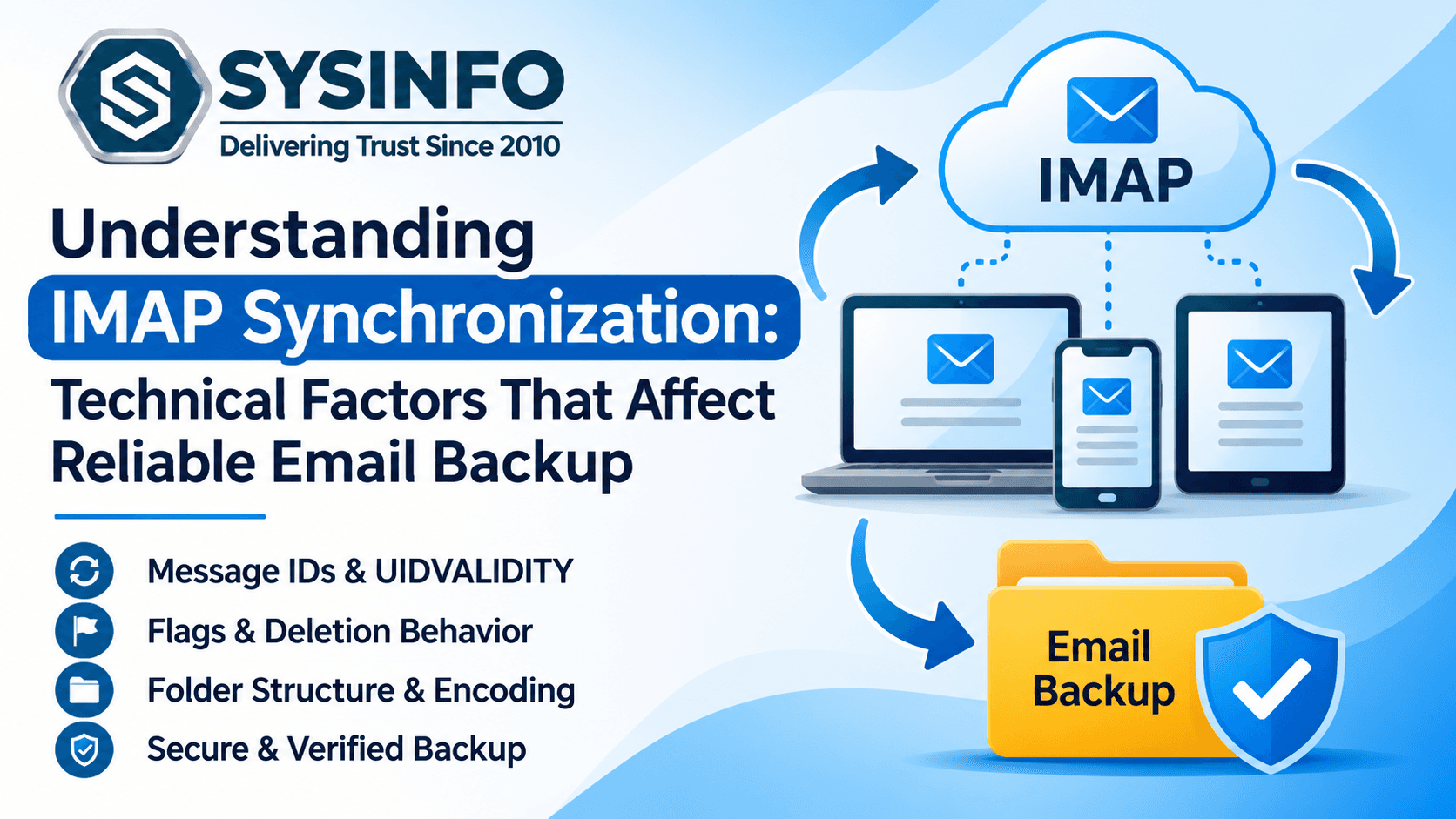
IMAP is widely used to access email across desktop applications, mobile devices, and web-based services. Its synchronization model allows users to view mailbox content from different locations while messages remain stored on the mail server. However, synchronization does not automatically provide an independent backup. Changes made on one device may be reflected across other connected clients, and server-side deletion or account access problems can affect the availability of stored messages.
For administrators and technical users, understanding how IMAP handles message identification, folder states, synchronization flags, and mailbox updates is essential when designing a dependable email backup process. These protocol-level details influence how messages are discovered, selected, transferred, and verified.
This article explores the technical behavior behind IMAP synchronization and explains why these details matter when creating independent mailbox copies.
1. IMAP Synchronization Is Not the Same as Backup
IMAP, or Internet Message Access Protocol, enables an email client to access messages stored on a remote server. Instead of downloading every message and treating the local copy as the only version, an IMAP client generally maintains a synchronized view of the server mailbox.
This arrangement is convenient for users who access email from multiple devices. A message read on a laptop can appear as read on a phone, while a folder created through one client may become visible in another.
However, synchronization and backup serve different purposes.
Synchronization keeps connected clients aligned with the mailbox state on the server.
Backup creates a separate copy of selected mailbox data for independent storage and future access.
Archiving retains messages for long-term reference, organizational policies, or record management.
If a message is deleted from the server and that deletion is synchronized across devices, the other clients may no longer provide an independent copy. A separate backup reduces reliance on the current state of the source mailbox.
2. Understand Message Sequence Numbers and Unique Identifiers
One of the most important technical distinctions in IMAP is the difference between message sequence numbers and unique identifiers, commonly called UIDs.
A message sequence number represents a message's current position within a selected mailbox. These numbers can change when messages are removed or when the mailbox state changes.
A UID is a more stable identifier assigned to a message within a particular mailbox. It helps clients identify messages across synchronization sessions without relying solely on their current position.
For example, imagine a folder containing 500 messages. A client may initially see a message with sequence number 120. If earlier messages are expunged, the message may receive a different sequence number. Its UID, however, remains associated with that message within the same UID validity context.
This distinction matters because a backup process should not assume that a message's position is a permanent identifier.
Technical systems use UIDs and related mailbox information to identify previously processed messages and determine which items may require another transfer. Reliable processing should account for changes in mailbox state rather than treating sequence numbers as permanent references.
3. The Role of UIDVALIDITY in Synchronization
IMAP servers provide a UIDVALIDITY value for each mailbox. It identifies the validity context in which that mailbox's UIDs can be interpreted.
If the UIDVALIDITY value changes, a client cannot safely assume that previously stored UID references still identify the same messages. It may need to reconsider its synchronization state and perform a broader comparison.
This is particularly important for long-running backup operations or systems that maintain records of previously processed messages.
A practical backup workflow should consider:
The mailbox being processed.
Its current UIDVALIDITY value.
Previously recorded message identifiers.
Whether the mailbox has been recreated or reset.
Whether a full comparison is needed after a validity change.
UIDVALIDITY helps prevent incorrect assumptions about message identity. It is not a guarantee that a message will remain available indefinitely, nor does it replace independent verification of the backup.
4. Message Flags and Their Effect on Mailbox State
IMAP supports message flags that describe the current state of individual messages. Common examples include:
\\Seen– Indicates that a message has been read.\\Answered– Indicates that a message has received a reply.\\Flagged– Marks a message for attention.\\Deleted– Marks a message for deletion.\\Draft– Identifies a draft message.
Some flags are defined by the protocol, while servers may also support additional keywords or custom flags.
These states can be useful during mailbox review and backup selection. For example, an administrator may want to verify that unread messages remain identifiable after a transfer.
However, not every destination supports every source-specific flag in exactly the same way. A backup process should distinguish between message content and mailbox state. The email body and attachments may be preserved even when certain status indicators are interpreted differently by the destination application.
A pilot backup can help determine which flags and properties are retained by the selected export format or target service.
5. How EXPUNGE and Deleted Messages Affect Mailbox Content
Deleting a message in an IMAP client does not always mean that the server immediately removes its stored content.
Depending on the client and server behavior, deletion may involve marking a message with the \\Deleted flag. The message can remain in the mailbox until an EXPUNGE operation removes it from the active mailbox view.
This distinction is important when designing backup procedures.
A message marked for deletion may still be accessible before expunging, but it should not be assumed that every backup application will include it. Some workflows may exclude deleted items, while others may provide options for handling them.
Once a message has been permanently expunged, standard IMAP access generally cannot retrieve it from the active mailbox. Recovery may then depend on the provider's retention features, recovery window, or a previously created independent backup.
Administrators should define whether deleted messages belong in the backup scope and verify how the chosen tool handles them.
6. IDLE Notifications and Mailbox Changes
IMAP IDLE is an extension that allows a client to receive notifications about certain mailbox changes without repeatedly polling the server.
For example, a connected email application may receive a notification when a new message arrives. It can then update the displayed mailbox without continuously requesting a full message listing.
IDLE is useful for interactive synchronization, but notifications should not be treated as a complete backup record. They indicate that a mailbox may have changed; the client still needs to retrieve the relevant information and update its local state.
A backup process that runs periodically should therefore perform appropriate mailbox checks rather than relying only on real-time notifications.
This distinction becomes important when a backup job runs for a limited period, when the source connection is interrupted, or when multiple folders receive messages while processing is underway.
7. Message Retrieval and MIME Structure
An email is not always a simple text document. Messages commonly use MIME, or Multipurpose Internet Mail Extensions, to represent different content types within a single message.
A message may contain:
Plain-text content.
HTML-formatted content.
Inline images.
File attachments.
Multiple MIME parts.
Encoded filenames and content.
Alternative representations of the same message body.
IMAP allows clients to retrieve message content and individual message sections. Depending on the retrieval method, an application may request an entire message or selected parts.
This matters when creating a backup because preserving only the visible message text may not preserve the complete email.
A technically sound process should verify that:
The message body is available.
HTML and plain-text alternatives are handled appropriately.
Attachments are retrieved.
Inline images remain associated with the correct content where supported.
Encoded filenames are interpreted correctly.
The exported message can be opened and reviewed.
Different output formats may represent MIME content differently. A user should test representative messages containing complex formatting and attachments before processing an entire mailbox.
8. Folder Names, Special-Use Folders, and Encoding
IMAP mailboxes are organized into folders, but folder naming and hierarchy can vary between providers.
A mailbox may contain standard folders such as Inbox, Sent, Drafts, and Trash, along with custom folders created by the user. Some servers also identify special-use folders through extensions or attributes.
Folder names may differ between services. One provider may use a folder named Sent, while another may display Sent Items. The underlying folder hierarchy and special-use attributes may also differ.
International folder names introduce another technical consideration. Older IMAP implementations may use modified UTF-7 encoding for mailbox names, while newer implementations may support UTF-8 through relevant extensions.
During a backup or migration, folder mapping should account for:
Parent and child folder relationships.
Provider-specific folder names.
Special-use folder identification.
International characters.
Duplicate or similarly named folders.
Destination naming restrictions.
A folder tree preview can help users inspect the source structure before selecting the content for export. The destination should then be reviewed to confirm that the expected hierarchy has been created.
9. Handling Interrupted Connections and Partial Transfers
IMAP operations depend on a network connection between the client and server. Temporary connectivity problems, server timeouts, authentication interruptions, and provider throttling can interrupt a transfer.
A backup process should be able to identify what was processed and what remains incomplete.
For example, an application may retrieve a message successfully but fail while exporting its attachment or writing the resulting file. Another operation may stop before the message has been fully retrieved.
To reduce the risk of incomplete output:
Maintain a record of processed and failed items.
Avoid treating an interrupted operation as a fully completed backup.
Recheck folders that reported errors.
Use supported incremental processing options for subsequent runs.
Verify exported messages and attachments after completion.
Incremental processing can reduce repeated work by skipping items that have already been transferred. However, it should be used with suitable message-identification and mailbox-state checks.
10. Why Independent Local Storage Matters
An IMAP mailbox remains dependent on the source provider for online access. If an account becomes unavailable, a subscription expires, or the provider changes its service conditions, users may lose convenient access to their correspondence.
Independent storage provides another way to access important email information.
Common backup formats include:
FormatTypical usePSTOutlook-compatible mailbox storageMBOXEmail client compatibility and mailbox archivingEMLIndividual message storageMSGIndividual Outlook message filesPDFReadable records and documentationDOC/DOCXDocument-based reviewCSVStructured data and reportingJSONStructured data processing
The best format depends on how the backup will be used. For example, PST may be appropriate for an Outlook-oriented workflow, while EML or MBOX may suit other email applications.
A local backup should also be stored securely, with suitable access controls and additional copies where required by the organization's data protection policy.
11. Validate the Backup at Message and Folder Level
A completed backup job should be followed by verification. Checking only the total number of exported messages may not reveal missing attachments, incomplete folders, or incorrectly processed items.
A useful validation process includes:
Folder comparison: Compare the source folder list with the exported folder structure.
Message sampling: Open messages from different folders and date ranges.
Attachment checks: Test messages containing common attachment types, large files, and inline images.
Metadata review: Check subjects, sender and recipient details, timestamps, and other available message information.
Status review: Verify read and unread indicators where the output format supports them.
Error report analysis: Review skipped, failed, and duplicate items to identify any additional work.
For important mailboxes, validation should be documented. Retain the original source until the independent backup has been reviewed and confirmed as usable.
12. Applying Protocol-Aware Backup Methods
A protocol-aware backup application can simplify mailbox processing by combining account authentication, folder discovery, message selection, export, and reporting.
The SysInfo IMAP Backup Tool supports connections to IMAP-enabled services and offers options to save mailbox data in formats such as PST, PDF, MBOX, EML, MSG, CSV, JSON, DOC, and DOCX. Its workflow includes folder preview, selective filtering, duplicate removal, attachment handling, folder mapping, and incremental processing.
For larger environments, CSV-based batch processing can help administrators work with multiple supported IMAP accounts. Progress monitoring and post-migration reports provide information about processed, skipped, and failed items.
The application also provides options for exporting data to supported email platforms, including Microsoft 365 and Google Workspace. Available functions depend on the selected source, destination, and configuration.
Because IMAP handles email and folder synchronization rather than every type of mailbox data, users should review the protocol's scope before starting. Contacts, calendars, tasks, mailbox rules, and provider-specific settings may require separate handling.
13. A Practical Checklist for Reliable IMAP Backup
Before beginning a backup, review the following technical checklist:
Confirm the correct IMAP server hostname and port.
Verify SSL/TLS or STARTTLS settings.
Test account authentication.
Review mailbox folders and custom hierarchy.
Identify the required date range and message types.
Decide how deleted and duplicate messages should be handled.
Check attachment and MIME content requirements.
Select an appropriate output format.
Confirm sufficient local storage.
Run a pilot backup with representative messages.
Review processing reports and failed items.
Validate the exported mailbox before retiring the source account.
Following these steps helps make the backup process more predictable and reduces the likelihood of discovering missing information after the source mailbox is no longer accessible.
Conclusion
IMAP synchronization involves several technical mechanisms that influence how messages are identified, updated, retrieved, and organized. Message UIDs, UIDVALIDITY, flags, deletion behavior, MIME structure, folder encoding, and connection handling all play a role in reliable mailbox processing.
Understanding these mechanisms helps administrators distinguish ordinary synchronization from independent backup. A carefully planned process should preserve the required message content, attachments, and folder organization while accounting for interruptions and differences between email providers.
By combining protocol-aware retrieval, independent storage, incremental processing, and post-backup validation, users can create more dependable copies of their IMAP mailbox data for future access, migration, and recovery.