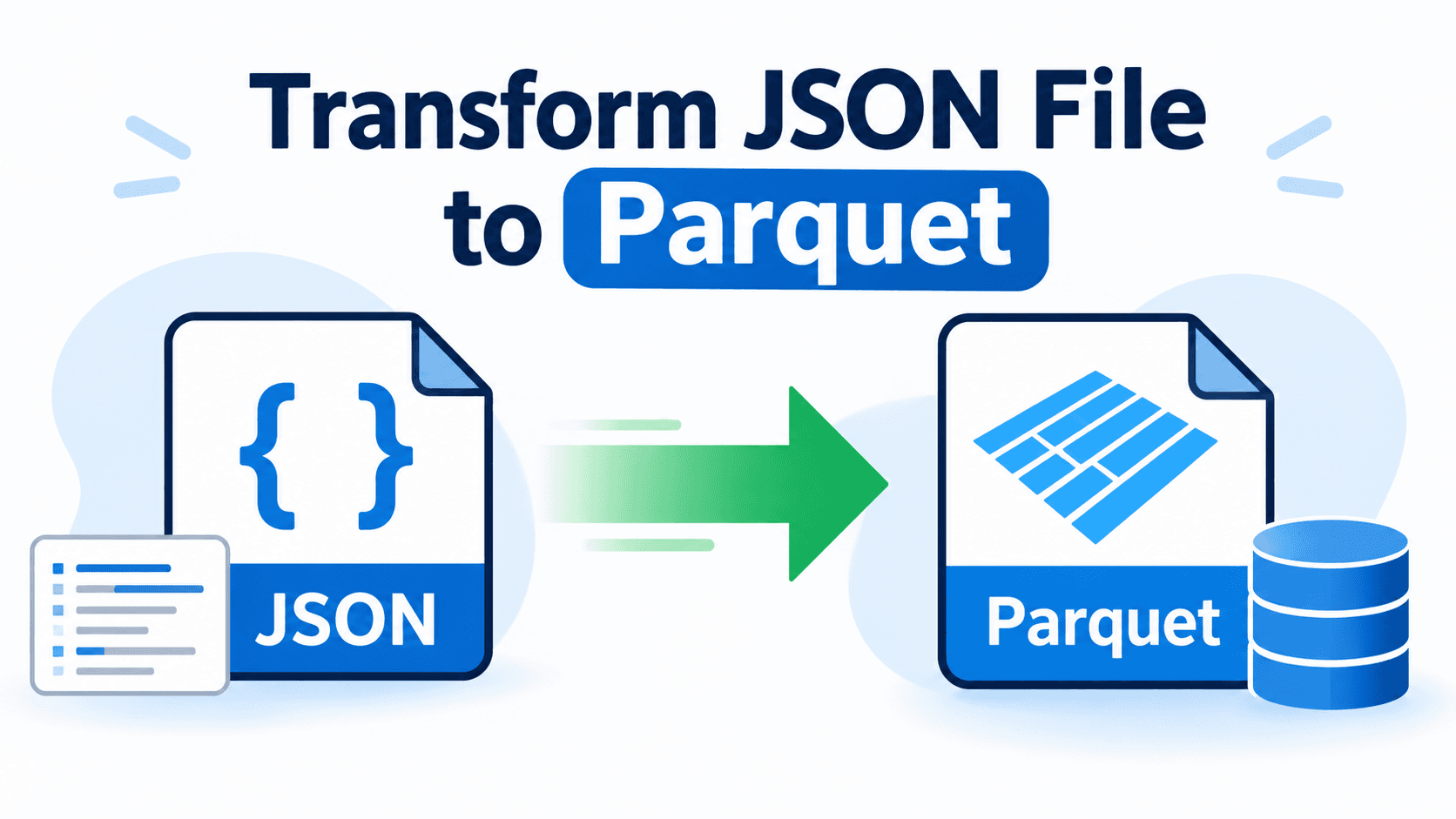
In today’s data-driven environment, organizations frequently work with structured and semi-structured data formats. While JSON is widely used for data exchange, it is not always the most efficient format for analytics and big data processing. That’s where Parquet, a columnar storage format, becomes highly valuable. Here, a challenge arises for users to look for a reliable solution to transform JSON file to Parquet securely.
If you are searching to convert JSON file to Parquet format, this comprehensive guide will explain the best methods, challenges, benefits, and a professional solution to simplify the process. Now, let’s begin with the discussion.
Overview: JSON Vs Parquet
JSON (JavaScript Object Notation) is a lightweight, text-based format used for data exchange between systems and APIs. It is human-readable and easy to use, but large JSON files can consume more storage and may not perform efficiently for analytics.
Parquet is a columnar storage format designed for big data processing. It offers high compression and faster query performance, making it ideal for analytics platforms and large-scale data storage.
Why Need to Transform JSON File to Parquet Format?
Converting JSON to Parquet offers several technical and performance advantages:
Reduced Storage Space: Parquet uses columnar compression, significantly reducing file size compared to JSON.
Faster Query Performance: Column-based storage improves analytical query speed.
Optimized for Big Data Tools: Parquet integrates seamlessly with Spark, Hive, and other analytics engines.
Better Schema Management: Parquet enforces schema structure, improving data consistency.
If you regularly handle large datasets, learning how to transform JSON file to Parquet format can greatly improve system performance and storage efficiency.
How to Transform Data from JSON into Parquet File? Quick Methods
Transforming JSON file to Parquet format is a smart step when working with large datasets that require better storage efficiency and faster query performance. While JSON is ideal for data exchange, it is not optimized for analytics or big data processing. By converting raw data to Parquet file, users can reduce file size of JSON, improve performance, and enhance compatibility with data processing platforms. Below are some quick and effective methods to perform this transformation efficiently.
Method1: Transform JSON File to Parquet Using Python
This method is suitable for technical users who prefer using scripting or programming approaches to convert JSON into Parquet format. By leveraging tools like Python (Pandas, PyArrow) or Apache Spark, users can manually load JSON data, define the schema, and export it as a Parquet file. Follow the steps given below:
Install required libraries:
pandas
pyarrow
Load JSON file into DataFrame
Convert DataFrame to Parquet
Save the Parquet file
PROS:
Flexible
Good for developers
CONS:
Requires coding knowledge
Not ideal for bulk JSON conversion
Complex nested JSON may need preprocessing
Method 2: Transform JSON Data into Parquet Using Automated Solution
For users who want a quick, secure, and hassle-free approach, using an automated solution is the most efficient way to transform JSON data into Parquet format. Instead of writing complex scripts or managing technical configurations, tools like SysTools JSON Converter Tool simplify the entire process with a user-friendly interface. This professional utility allows users to convert single or multiple JSON files into Parquet format while maintaining data integrity, structure, and accuracy. Noe follow the instructions to use the tool:
Download and install the software on the machine,
Browse and upload JSON file.
Choose Parquet as file format.
Set the location and click on Export button.
Now, tap on Ok and finish the conversion.
Key Features of Using Advanced Solution
Bulk JSON to Parquet Conversion: Easily convert multiple JSON files at once without manual intervention.
No Coding Required: Ideal for non-technical users who want quick results.
Maintain Data Integrity: Preserves original data structure and hierarchy during transformation.
Handles Large & Complex JSON Files: Supports nested JSON structures and large datasets.
User-Friendly Interface: Simple steps make the conversion process smooth and efficient.
Advanced Data Preview: Preview JSON content before converting to ensure accuracy.
Why Choose Offline Tool Over Manual Methods?
While Python and Spark are powerful, they may not be suitable for everyone. Here’s why many professionals prefer an automated solution:
Saves significant time
Eliminates technical complexity
Reduces risk of manual errors
No dependency on programming knowledge
Faster processing for bulk files
If your goal is to quickly, accurately, and hassle-free transform JSON file to Parquet format, a professional tool is the most practical option.
Concluding Words!
Transforming data from JSON to Parquet is essential for improving storage efficiency, enhancing query performance, and optimizing large-scale data processing. While manual methods offer flexibility for technical users, they require coding expertise and additional effort. For a faster, more reliable, and user-friendly approach, an automated solution simplifies the conversion process and ensures accurate, bulk JSON to Parquet transformation with minimal complexity.