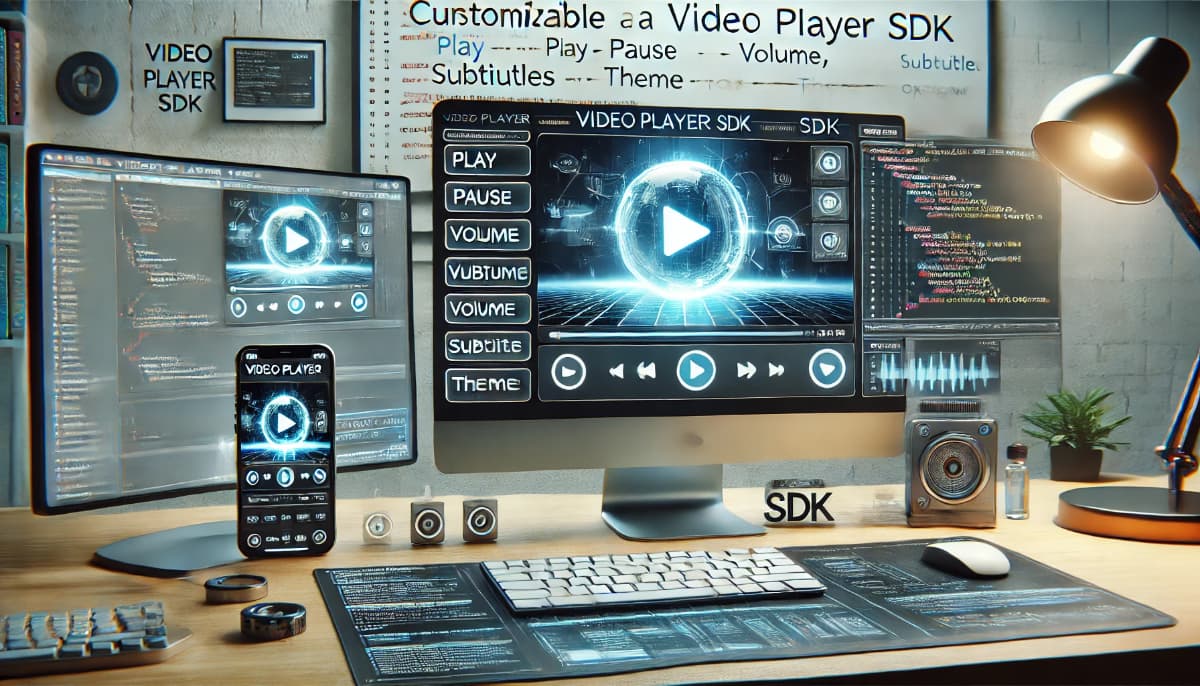
In the world of multimedia application development, Software Development Kits (SDKs) play a pivotal role in simplifying and accelerating the creation of video player solutions. An SDK for video players is a collection of tools, libraries, and APIs designed to help developers build, customize, and enhance video playback functionalities in their applications. These SDKs eliminate the need to start from scratch, offering pre-built modules for handling video rendering, decoding, and playback.
Key Components of a Video Player SDK
Playback Engine
The core component that handles video and audio playback, including decoding various formats and ensuring smooth performance across devices.
Codecs and Format Support
SDKs often include support for a wide range of video and audio formats, such as MP4, AVI, MKV, H.264, and AAC, ensuring compatibility with diverse content.
Customizable UI Elements
Pre-designed controls like play, pause, volume, and progress bars, which can be integrated and customized to match the application's design.
Streaming Capabilities
Support for adaptive streaming protocols like HLS (HTTP Live Streaming) and DASH (Dynamic Adaptive Streaming over HTTP) for seamless video delivery.
DRM Integration
Tools for implementing Digital Rights Management (DRM) to secure video content against unauthorized access or piracy.
Analytics and Monitoring
Features for tracking user engagement, playback performance, and error reporting to optimize the user experience.
Why Use a Video Player SDK?
Developers choose video player SDKs because they simplify complex processes, saving time and resources. Here are some key advantages:
Efficiency
Pre-built components reduce development time by handling low-level video processing tasks.
Quality Assurance
SDKs are typically well-tested, ensuring reliable performance and compatibility with various platforms and devices.
Scalability
Many SDKs support advanced features like adaptive streaming, multi-language subtitles, and 4K/8K video playback, making them suitable for both small and large-scale applications.
Cross-Platform Development
With support for multiple operating systems and platforms, SDKs enable developers to create applications that work seamlessly on desktops, mobile devices, and web browsers.
Popular Video Player SDKs
- ExoPlayer: A highly customizable open-source video player library for Android.
- AVPlayer: A robust framework by Apple for video playback on iOS and macOS.
- VisioForge Media Player SDK: A versatile SDK for .NET developers, providing tools for video playback, effects, and format support.
- JW Player SDK: Known for its ease of integration and advanced streaming capabilities.
- FFmpeg Libraries: While not an SDK per se, FFmpeg is a powerful multimedia framework that underpins many SDKs with its encoding, decoding, and transcoding capabilities.
Developing with a Video Player SDK
Building a video player application starts with selecting the right SDK that aligns with your project requirements. Consider the following steps:
- Define Requirements: Identify essential features such as supported formats, UI design, streaming protocols, and platform compatibility.
- Set Up the SDK: Follow the SDK’s documentation to integrate it into your development environment.
- Customize Features: Leverage the SDK’s APIs to add custom controls, integrate DRM, or enable advanced playback options.
- Test Across Platforms: Ensure consistent performance and functionality across all target devices and operating systems.
- Optimize and Monitor: Use analytics tools included in the SDK to fine-tune performance and address user feedback.
Conclusion
An SDK for video players serves as a foundational tool for developers aiming to deliver high-quality video experiences. By leveraging pre-built components and advanced functionalities, developers can focus on crafting user-centric applications rather than dealing with the complexities of video processing. Whether building a media streaming platform, an educational app, or a corporate training solution, video player SDKs provide the versatility and efficiency needed to meet modern multimedia demands.