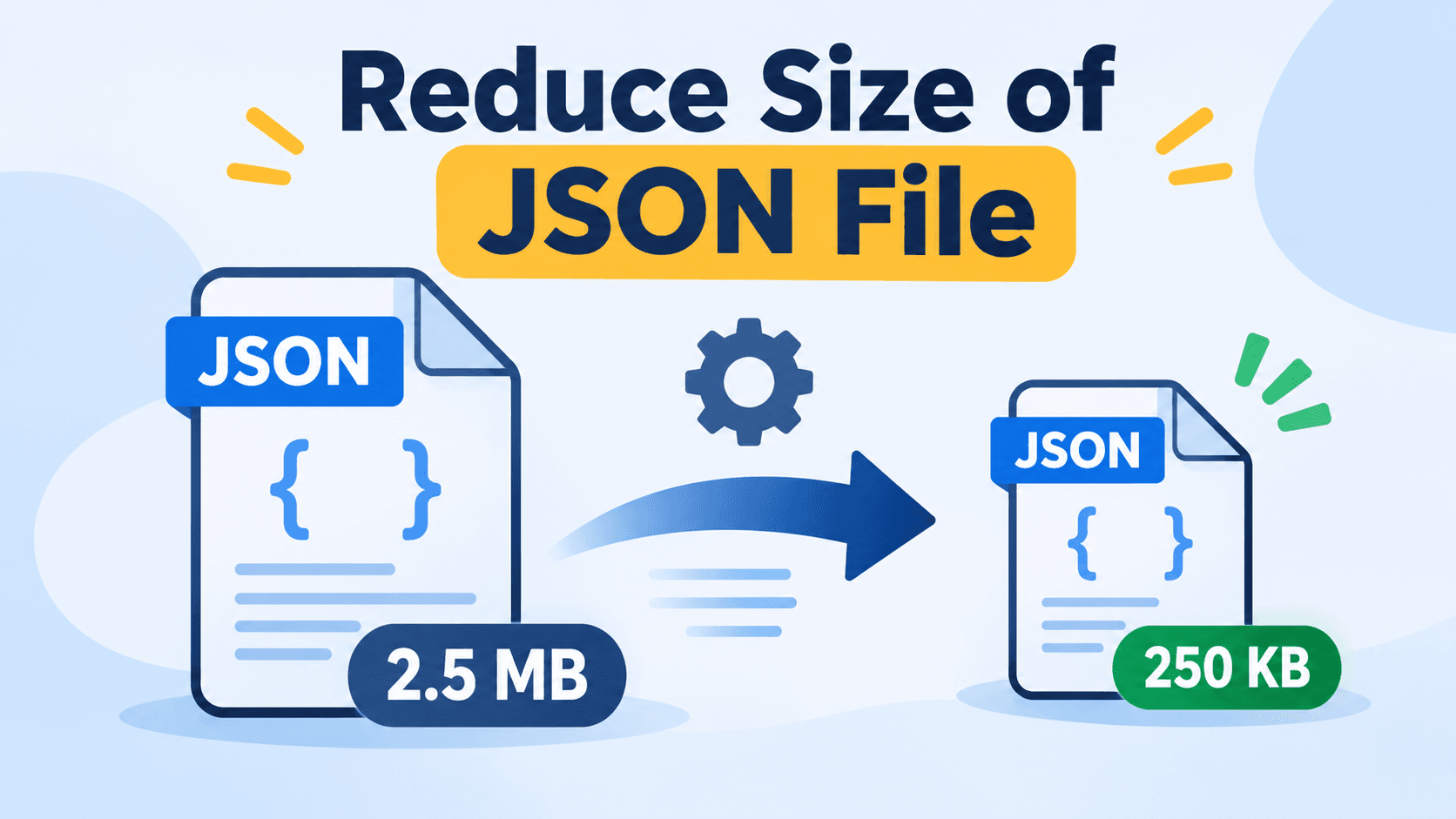
Large JSON files can create several hurdles, such as slowing down application performance, increasing the time for data transfer, etc. Since JSON is used for data exchange between web applications and APIs, managing its size becomes crucial to ensure smooth processing and faster loading. If you reduce JSON file size, it helps to improve efficiency without affecting the actual content.
In this article, we’ll explore different ways to reduce size of JSON file securely. We will discuss simple manual solutions and professional tools. Choosing the right approach depends on size and complexity of the file. So, let’s begin with the discussion.
What Makes JSON File Large?
A JSON file becomes large not only because of the data it stores, but also due to how that file is structured or formatted. Understanding these root causes helps you to reduce size of JSON file in a hassle-free way:
1. Excessive whitespace and indentation
JSON files are often formatted with spaces, tabs, and line breaks to make them human-readable. While this improves clarity during development, it significantly increases file size.
2. Repeated or redundant keys
In large JSON files, especially those generated from APIs or logs, the same key names may appear multiple times across objects.
3. Unused or null values
Many JSON files contain fields with empty strings or default values that are never used by the application.
4. Large datasets (logs, APIs, exports)
JSON files generated from logs, API responses, or database exports often include massive volumes of data.
How to Reduce Size of JSON File? 3 Easy Ways
Large JSON files can slow down data processing, increase storage usage, and affect application performance. Reducing the file size helps improve loading speed, optimize bandwidth usage, and enhance overall efficiency. There are different methods available to achieve this, including manual techniques and automated solutions. In this guide, we will explore three easy ways to reduce the size of a JSON file using practical and effective approaches.
Method 1: Minify JSON File
JSON minification is one of the simplest ways to reduce file size. It removes unnecessary spaces, line breaks, and indentation while keeping the data intact.
Steps:
Open the JSON file in a code editor or online JSON minifier
Remove whitespaces and formatting
Save the minified JSON file
PROS:
Quick and easy
No data loss
Ideal for small JSON files
CONS:
Hard to read and edit manually
Not suitable for very large files
Method 2: Remove Unused Values
Many JSON files contain empty, null, or unused fields that increase file size unnecessarily. Removing such data helps make the file lightweight.
Steps:
Review the JSON structure
Delete keys with null or empty values
Validate the JSON file after editing
PROS:
Reduces file size significantly
Improves data clarity
CONS:
Time-consuming
Risk of removing important fields
Method 3: Reduce Size of JSON File - Advanced Solution
Manual methods become difficult when dealing with large or multiple JSON files. In such cases, an automated tool offers a faster and error-free solution. SysTools JSON Splitter Tool is designed to efficiently manage oversized JSON files by splitting them into smaller, manageable parts without data loss.
Steps:
Download and install the tool on your PC.
Add the large JSON file
Choose the splitting criteria (size, object, or array)
Set the destination location by usin Change option
Click on the Split button to reduce size of JSON file
PROS:
Handles large JSON files easily
Maintains data integrity and structure
Saves time and effort
No technical expertise required
Supports bulk processing to handle nested JSON files.
Best Practices to Keep JSON Files Lightweight
Keeping JSON files lightweight is not just about reducing size once—it’s about maintaining an efficient structure over time. By following best practices during creation, usage, and optimization, you can prevent unnecessary file growth and ensure better performance across applications and APIs.
Design compact JSON schemas
A well-designed JSON schema plays a major role in controlling file size. Use concise and meaningful key names, avoid redundant fields, and structure data logically.
Validate and test after reduction
After optimizing or reducing a JSON file, it is important to validate its structure to ensure it remains error-free. Testing helps confirm that no required keys or values were accidentally removed
Keep backups before optimization
Always create a backup of the original JSON file before making any changes. Backups ensure that you can easily restore the data if something goes wrong during optimization
Following these best practices helps maintain efficient, lightweight JSON files while ensuring data accuracy and long-term usability.
Time to Wrap Up!
In the above guide, we have discovered different techniques to reduce size of JSON files, which helps improve performance, speed up data transfer, and simplify data handling. Simple manual techniques work well for small files, while automated tools are more effective for large or complex JSON data. By following best practices and choosing the right approach, you can keep JSON files lightweight, efficient, and easy to manage.