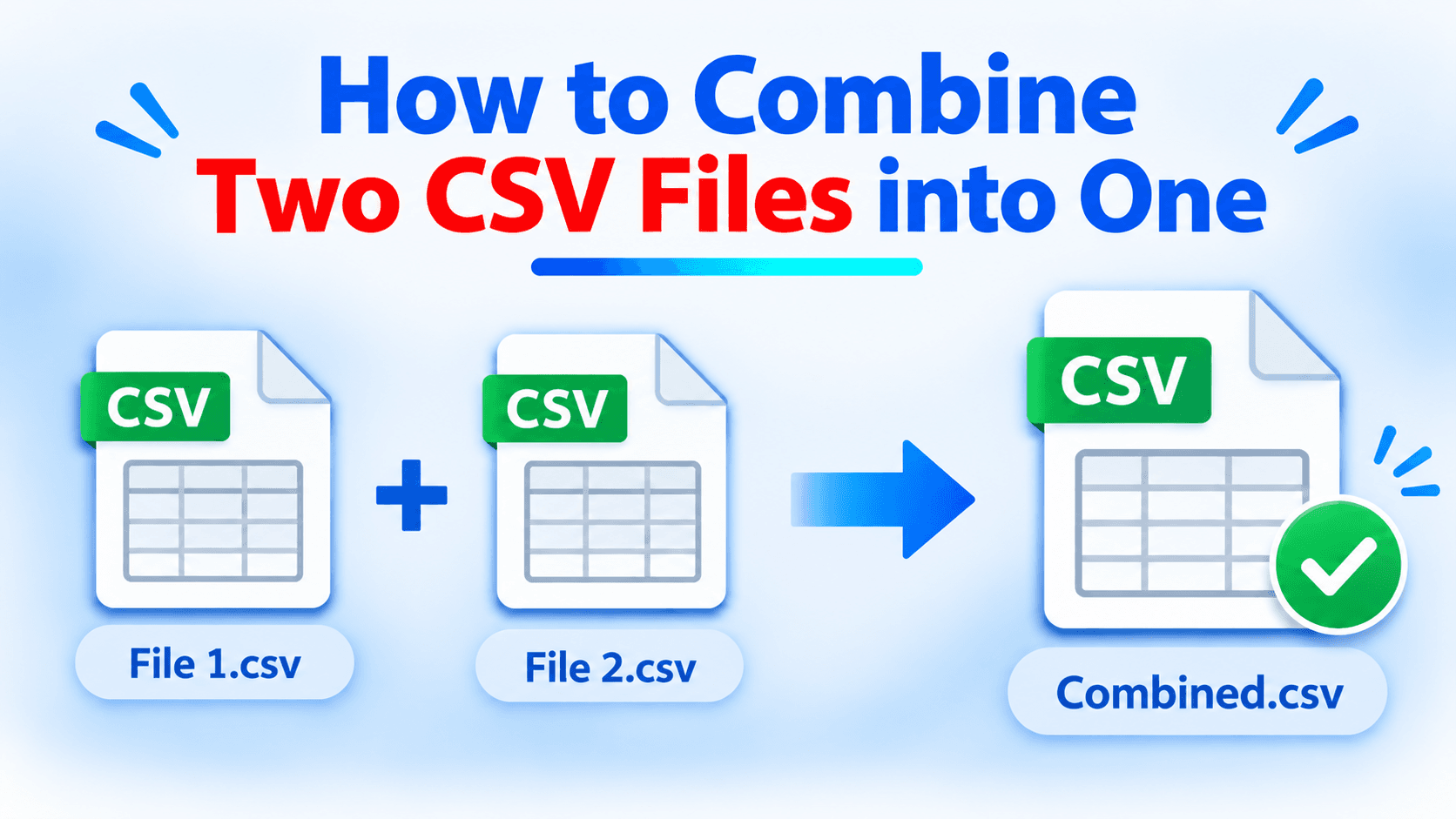
CSV (Comma-Separated Values) files are commonly used to store and manage structured information, including customer records, sales reports, contact details, employee information, and other datasets. When working with data from multiple sources, users often need to combine two CSV files into a single file for easier access and analysis.
For example, a business may maintain separate CSV files for customer information from different departments or store monthly sales records in individual files. Managing these files separately can make data analysis and reporting more complicated.
Combining them into one CSV file helps organize information in a single location and makes it easier to work with larger datasets. Fortunately, there are several ways to combine two CSV files into one, depending on the available tools and the structure of the source files.
Why Do You Need to Combine Two CSV Files?
There are several situations where merging CSV files becomes necessary. Businesses may receive customer information from different branches and need to maintain a single customer database. Similarly, sales teams may collect monthly reports separately but require one consolidated file for analysis.
Combining CSV files can also help users organize contact lists, compare records, prepare reports, and reduce the effort involved in managing multiple datasets.
However, before merging two files, it is important to check their column structure. If both files contain similar headers, their records can generally be combined by placing the data rows together. If they have different columns, the resulting file may require additional organization.
Different Ways to Combine Two CSV Files
Users can combine CSV files through spreadsheet applications, command-line utilities, or dedicated CSV merging software. The appropriate method depends on the amount of data, file structure, and how frequently the files need to be merged.
1. Combine Two CSV Files Using Microsoft Excel
Microsoft Excel provides a simple way to combine CSV data manually. This method is suitable when working with relatively small files that have the same column structure.
First, open both CSV files in separate Excel workbooks. Select the data rows from the second file, excluding the header row if both files contain identical column names. Copy the selected records and paste them below the existing records in the first workbook.
Once the data has been combined, review the columns to ensure that the records are properly aligned. Finally, select Save As and choose CSV as the output format.
This method is straightforward for smaller datasets. However, manually copying and pasting records can become time-consuming when dealing with large CSV files or multiple datasets.
2. Merge Two CSV Files Using Command Prompt
Windows users can also combine CSV files through Command Prompt. This approach is useful when both files have the same structure and the user is comfortable working with basic commands.
For example, the following command can combine two CSV files:
copy file1.csv+file2.csv combined.csv
However, this command directly joins the file contents. If both files contain header rows, the resulting file may contain duplicate column headings in the middle of the dataset.
Therefore, users should check the output carefully and remove any unnecessary repeated headers.
3. Combine CSV Files Using Python
Python offers another way to combine CSV files, particularly when users need a repeatable process.
The Pandas library provides a convenient function called concat() for combining datasets.
For example:
import pandas as pd

file1 = pd.read_csv("file1.csv")
file2 = pd.read_csv("file2.csv")
combined = pd.concat([file1, file2], ignore_index=True)
combined.to_csv("combined.csv", index=False)
In this example, both CSV files are loaded into separate DataFrames. The concat() function combines their records, while ignore_index=True creates a fresh index for the resulting dataset.
Finally, the combined information is saved into a new CSV file.
This method is useful for users who regularly work with CSV datasets. However, it requires Python installation and some familiarity with programming.
4. Use a Dedicated CSV Merger Tool
When working with large CSV files or datasets that require additional processing, a dedicated merging utility can make the task easier.
For example, SysTools CSV Merger provides an option to combine multiple CSV files into a single file. It can be useful for users who want to merge datasets without manually copying records or writing scripts.
The software also provides options to remove duplicate records and manage common columns during the merging process. This can help when consolidating information collected from different sources.
Users can select the required CSV files, configure the available merging options, and save the resulting data into a consolidated CSV file.
This approach can be particularly useful when handling multiple files regularly or working with datasets that require additional organization.
Important Things to Check Before Merging CSV Files
Before combining two CSV files, users should review their structure and data to avoid unexpected results.
Check Column Headers: Make sure both files have compatible column names. If the headers differ, review the column order and identify any missing fields.
Avoid Duplicate Headers: When manually combining CSV files, keep only one header row at the beginning of the final dataset.
Review Duplicate Records: Two CSV files may contain repeated customer details, email addresses, or transaction records. Check whether duplicate removal is required before saving the combined file.
Verify Data Formatting: Check date formats, numbers, special characters, and text encoding to ensure that the merged file displays information correctly.
Keep Original Files: Always retain copies of the source CSV files until you have verified the final output.
Final Thoughts
Combining two CSV files into one can make data management easier, especially when information is collected from different sources. Microsoft Excel and Command Prompt are useful for basic merging tasks, while Python provides more flexibility for repeatable operations.
For users handling larger datasets or requiring additional options such as duplicate removal and common-column management, a dedicated utility like SysTools CSV Merger can simplify the process.
Regardless of the method selected, checking column headers, duplicate records, and data formatting is important to ensure that the final CSV file remains organized and usable.