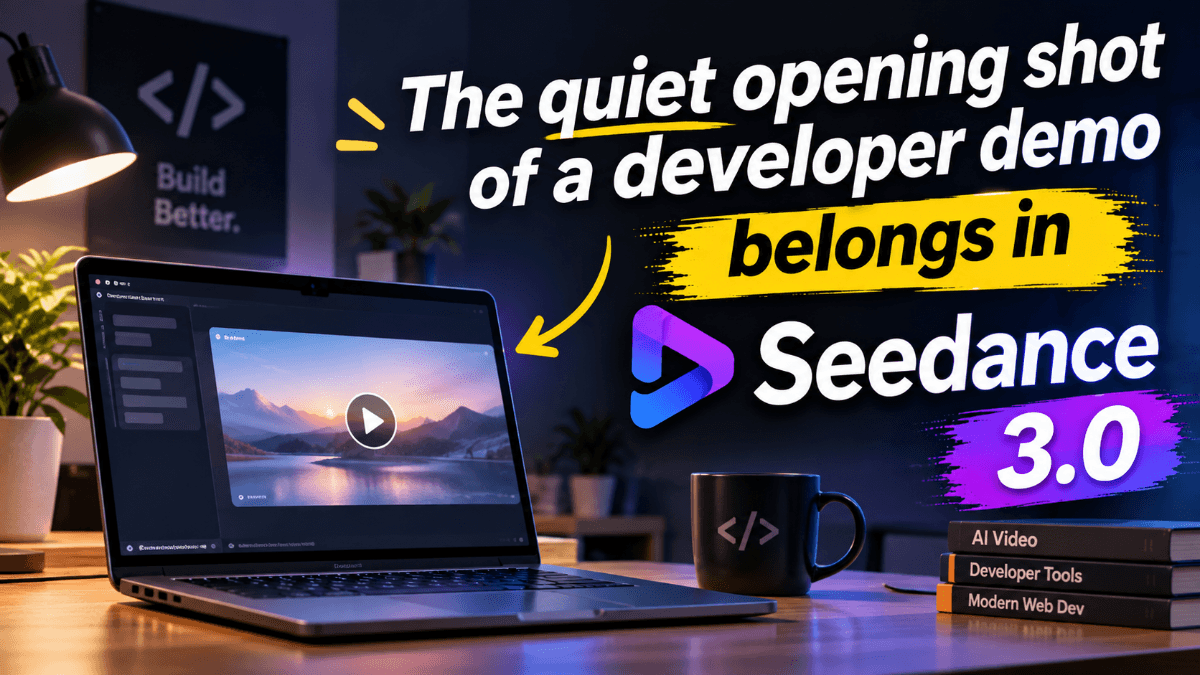
A laptop wakes on a crowded workbench, a small sensor blinks, and a desk lamp pools light around both. That is the opening I imagine for a short demonstration of a hobby weather station. Before a developer explains the dashboard or shows a terminal, the viewer needs a reason to care about the little device. My proposed film would establish that physical setting, then cut to a genuine screen recording of the software receiving a reading.
The distinction matters because a generated video and a software demonstration do different jobs. I want a cinematic introduction, not invented evidence that the application works. The middle of the film would contain real captured interaction, with the cursor, timestamps, and readings preserved. A generated opening can supply atmosphere while the recording supplies proof. Keeping those roles separate also makes the production simpler: there is no need to generate a perfectly legible interface.
A workbench that feels like part of the project
I would build the visual reference around an actual photograph of the prototype, taken at its normal working position. A loose cable and a slightly scratched desk are useful details, provided they do not obscure the sensor. A second photograph could establish the lamp and background. Instead of collecting a folder of unrelated futuristic imagery, I would choose material that describes one credible place. The hardware should remain recognizable when the sequence reaches the real recording.
For this opening, the relevant part of seedance 3.0 is its video workflow combining written direction with visual references. The project calls for a small movement through an existing scene, so an image-led approach fits better than asking a text prompt to invent the entire bench. In that seedance 3.0 setup, a reference photograph supplies appearance; the prompt supplies action and camera intent. Neither needs to pretend that the generated device is producing a verified measurement.
My first shot brief in seedance 3.0 would describe a slow move toward the sensor at desk height, with warm light falling from the left and the background staying subdued. The indicator could glow steadily while a curtain shifts slightly in the distance. I would avoid asking for several simultaneous events. A hand plugging in a cable, a screen booting, and a dramatic camera orbit would make a modest opening unnecessarily difficult to read.
Motion should guide attention toward the sensor
The most important choice is where the viewer looks first. If the laptop display is bright white, it will compete with the tiny sensor immediately. I would photograph the laptop with a dark, unobtrusive screen and frame the device just off center. The imagined camera movement would close some of that distance without revealing new surfaces that are absent from the reference. This is a practical reason to prefer a restrained push over an elaborate orbit.
A useful first revision in seedance 3.0 would address the relationship between the cable and the device. Suppose the preview makes the lead bend unnaturally as the camera advances. I would simplify the instruction, reduce movement, and choose a reference where the cable lies against the tabletop. Adding more adjectives about realism would not explain the problem. The scene needs a clearer physical arrangement, not a longer description of how convincing it should feel.
I also want the lighting to survive the transition into the actual footage. If the generated opening looks like a midnight thriller and the screen capture arrives on a bright desktop, the film changes mood abruptly. A muted amber lamp against a neutral room offers enough character without demanding an equally dramatic interface. The color treatment can be adjusted in the edit, but the original shot should already belong beside the material it introduces.
Let the real application take over
The cut to the dashboard would happen at the moment attention reaches the device. I imagine a short pause, followed by the genuine recording showing one new reading arrive. This gives the opening a destination. It is not simply attractive footage attached to an unrelated tutorial. The visual question is clear: what is this small object doing? The next shot answers it through the working application rather than through generated text or animated numbers.
For a seedance 3.0 concept like this, I would keep all exact technical claims in the recorded section or in captions added afterward. The sensor name, communication protocol, and refresh interval should come from the actual project. Captions can be placed deliberately in an editor, with a readable typeface and enough time on screen. Asking the generated opening to carry those details would blur the boundary between an illustration and an observable result.
The screen recording itself needs a narrow story. I would capture the dashboard before the reading arrives, allow the update to appear, and then show the corresponding terminal entry if it helps explain the flow. There is no need to tour every menu. One successful path is easier to understand than a rapid sequence of features, especially when the opening has already established the physical object responsible for the data.
A small sound bridge keeps the sequence together
Sound can connect the imagined workbench to the real demonstration. My preference would be a quiet room tone under both sections, with a restrained click at the transition. If an owned audio reference helps communicate the desired rhythm in seedance 3.0, I would choose a brief passage with a simple pulse rather than a dense musical arrangement. The final mix still belongs in the editing stage, where narration and recorded system sounds can be balanced.
I would leave a little space before the narration begins. The viewer gets a moment to notice the sensor, then hears a plain explanation of what it measures. This is more useful than opening with a long list of specifications over moving imagery. When the real interface appears, the voice can name the change that is visible. Every sentence should point to something the viewer can actually see or understand from the sequence.
Finish with a deliverable that the project can support
The finished piece would be a compact introduction for a project page or developer presentation: a generated workbench shot, a genuine software interaction, and a short closing frame. I would describe the opening as illustrative when presenting the film, particularly if its hardware appearance differs from the real prototype. That small clarification preserves the purpose of the demonstration while leaving room for a more considered visual introduction.
My final pass through seedance 3.0 would focus on whether the opening earns its place. Does the camera lead toward the device? Does the light match the next shot? Does the movement end cleanly enough to cut? If those answers are yes, I would stop refining and assemble the film. The memorable moment should be the connection between the physical sensor and the working software, with the generated video helping the audience notice that connection.