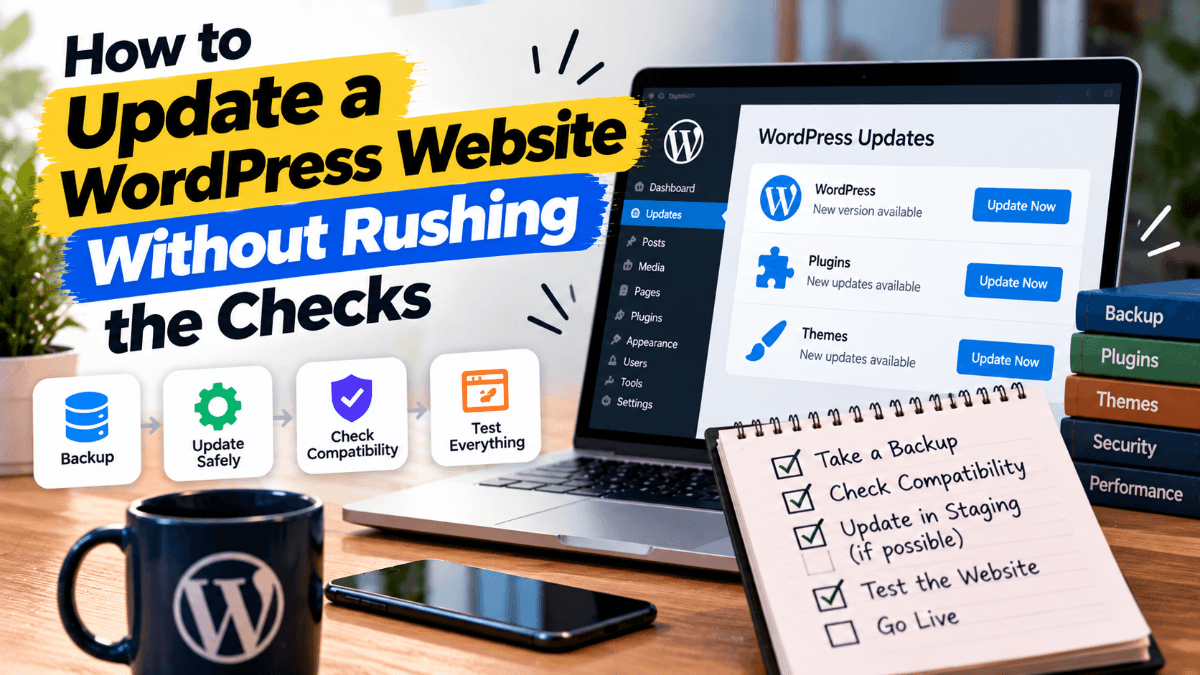
The update notification arrives when you're in the middle of something else. There are a dozen plugins waiting, the site looks fine, and clicking Update All would clear the list. It's an understandable temptation. The trouble starts when something changes and nobody can say which update caused it.
A useful update routine gives you enough information to make sensible decisions. It should also leave time to check the result. The last part is easy to overlook when the dashboard announces that everything completed successfully.
Decide what needs attention first
Start by reading the release notes for the software involved. A security fix deserves a different conversation from a release that adds a feature you don't use. If the notes mention a compatibility requirement or a substantial change, check whether it applies to your site before proceeding.
Avoid choosing a permanent rule that every update must wait a fixed number of weeks. That can leave important fixes sitting untouched. Equally, a major change to a booking or payment component needs more preparation than a small cosmetic adjustment. Someone should make that judgement and record the reason.
Prepare a way back
Before changing a live site, confirm that there is a recent recovery copy and that the person doing the work knows how it can be restored. WordPress describes the role of both files and the database in its backup guidance. A folder of images alone isn't a complete recovery plan.
Think about what will happen while the work is under way. If a shop continues taking orders, restoring an earlier database could affect information received after that copy was made. Recovery needs a decision about recent activity, not just a button labelled Restore. Ask the maintainer how that would be handled.
Use a test copy where it earns its keep
A separate test version is particularly useful for a site with custom code, several connected services or a complicated customer journey. It lets you explore a change before customers encounter it. Keep the test environment close enough to the live one to make the results meaningful.
Give it boundaries too. Test messages shouldn't reach real customers, and test transactions shouldn't become real orders. Whoever maintains the environment should check those settings before beginning. A test copy can create its own problems when it's treated as an ordinary duplicate.
Make the work easy to trace
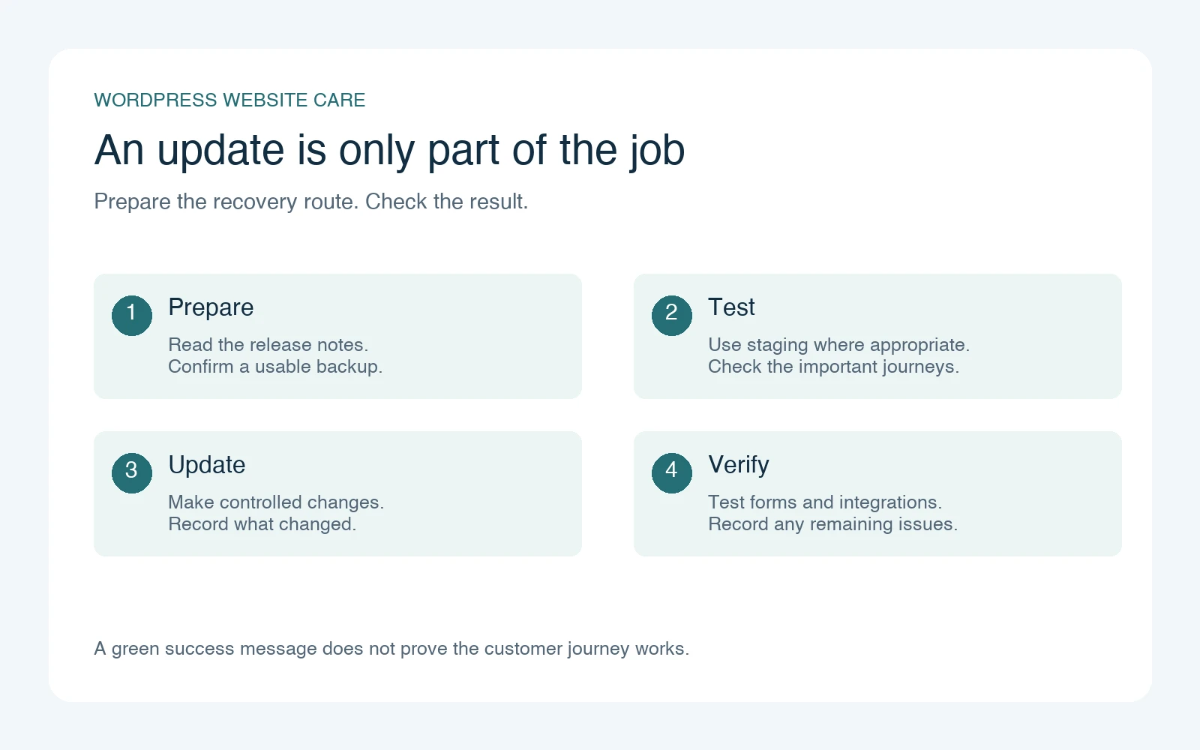
Record the date, the components changed and any unexpected behaviour. Where practical, group changes so that a fault can be narrowed down without guessing. Updating unrelated software, replacing a layout and changing the host during one session makes the result difficult to interpret.
A small business doesn't need a lengthy technical diary. A short entry explaining what changed, who checked it and whether anything remains unresolved is usually more helpful than a screenshot of a green success notice. Keep that record somewhere the next person can find it.
Check what customers actually do
Open the site as a visitor. Check the main navigation, a representative page on a phone and whichever action matters most to the business. For a consultancy, that might be requesting a quote. For a training provider, it could be choosing a date and reaching the registration confirmation.
Don't stop at the visible confirmation. If the action should create a record or send a message, verify that result as well. Use a clearly marked test entry and agree how it will be removed from normal reporting. A working screen doesn't always prove that the whole process completed.
Write the test list before touching Update
A test list is easier to write while the site still works. Choose five or six actions that would cause a real problem if they failed. Include the enquiry form, the search box, a password reset and any checkout or booking process. Note the expected result beside each one. This gives the person checking the update something concrete to compare against.
For a form, record which inbox should receive the message and whether a copy should appear in the dashboard. For a shop, include the price, delivery choices and confirmation screen. Arrange a supported test payment method where available. A successful visit to the homepage tells you very little about these less visible routes through the website.
Keep a few reference screenshots of important layouts, with their page addresses and screen sizes. They are useful for spotting a missing sidebar or a button that has moved below a banner. They should support functional checks, not replace them. A form can look identical before and after an update while sending its messages to the wrong place.
Give connected services their own check
Some update problems appear outside WordPress. A booking may save correctly but fail to reach a shared calendar. An enquiry may arrive in the office inbox without being added to the customer system. These are easy faults to miss if the person testing has access only to the website itself.
Arrange the check with someone who can see the receiving service. Use a recognisable test reference so both people can follow the same transaction. Compare the important details, including dates, contact fields and the status of the record. If information arrives late, record the delay instead of immediately treating a queued task as a failure.
Be careful with repeated tests. Submitting the same enquiry ten times can create ten customer records, and retrying a payment without checking its status can create a different problem. Agree how test data will be identified and removed, and keep that cleanup separate from genuine records received during the maintenance window.
Decide what would make you stop
Before starting, agree which findings would require the update to be paused or reversed. A broken checkout needs a different response from a slightly misaligned icon. This does not mean ignoring small problems. It means deciding which faults prevent the website from doing its job and which can be recorded for a planned correction.
Name the person who can approve that decision. If restoring a database would remove new enquiries or orders, the technical maintainer needs business input before acting. Keep a note of the last known working state and the activity that has happened since then. That information is much harder to reconstruct in a hurried conversation after something has gone wrong.
Leave room for a second look
Some faults become visible only when ordinary activity resumes. A scheduled task might run later, or a member of staff may notice that their usual workflow has changed. Give the team a clear place to report that information and include the update date in the report. Ask for the page address and the steps taken, rather than a vague description that the website feels different.
Set an appropriate follow-up check for the functions affected by the work. There is no useful universal delay for every website: a daily scheduled job and an immediately used contact form need different observation. The important thing is that someone knows what is still being watched and when the maintenance task can be closed.
Give the routine an owner
The most awkward arrangement is one where the business thinks the host handles everything and the host assumes the developer is responsible. Write down who assesses updates, who performs them and who checks the site afterwards. These can be different people, provided the handover is clear.
If the business needs outside help, BugShield's WordPress maintenance plans are one place to start a discussion about ongoing care. Describe the website's important functions and ask how update work and any resulting faults would fit the agreed service.
Finish each update session with a clear result: checked and working, or working with a named issue still being investigated. That small habit makes the next update less of a mystery and gives the business a record it can trust.